If you’re dealing with post-holiday neck pain, start by adjusting your monitor to eye level to promote better alignment and reduce strain. Use ergonomic accessories, sit upright, and support your back. Take regular breaks to stretch and reset your posture. Simple tweaks like these can quickly relieve tension and prevent future discomfort. Want to discover even more ways to fix your monitor setup and ease neck pain? Keep going for expert tips that can help.
Key Takeaways
- Correct your posture by keeping your head aligned over your shoulders to reduce neck strain.
- Adjust your workspace so screens are at eye level and support your back to promote proper alignment.
- Limit prolonged device use by holding phones at eye level or using stands to prevent forward head posture.
- Incorporate gentle neck stretches and regular breaks to relieve muscle tension from holiday activities.
- Be mindful of slouching and adopt ergonomic habits to maintain neck health and prevent future discomfort.

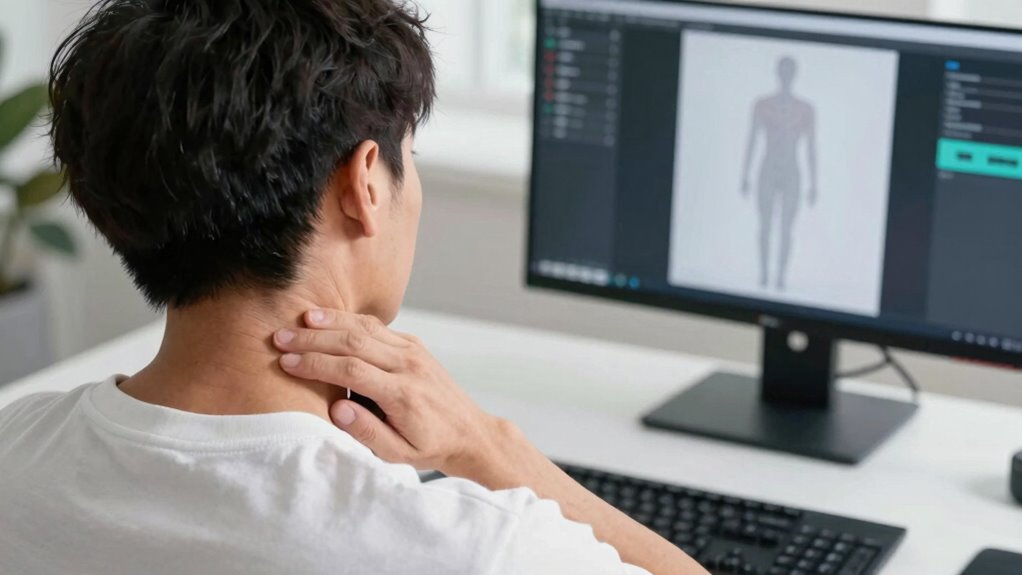
After the holiday season, many people wake up with neck pain they didn’t have before. The festive chaos, late nights, and indulgent meals often lead to poor posture and muscle tension. If you’re feeling this discomfort, it’s likely due to habits formed during the holidays—like cradling your phone or slouching on the couch for hours. The good news is that you can address this quickly with some simple steps, starting with ergonomic tips and posture correction. These techniques can help you realign your neck and reduce pain without needing extensive treatments.
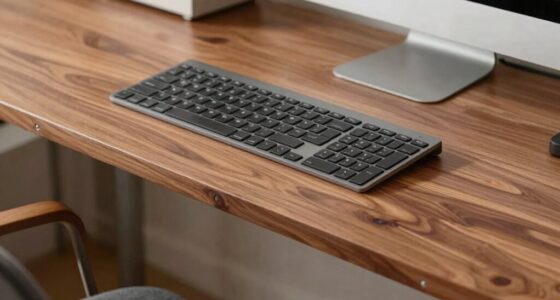
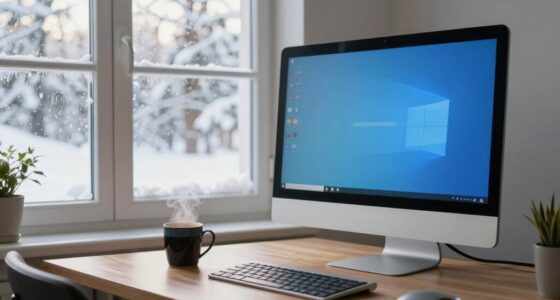
First, focus on your workspace and daily habits. Make sure your setup supports good posture: your screen should be at eye level, your chair should support your lower back, and your feet should rest flat on the floor. Avoid craning your neck forward or downward to see your devices. Instead, keep your head aligned over your shoulders. This is *essential* for posture correction. When you work or relax, take frequent breaks to stretch and reset your position. Small adjustments, like positioning your laptop on a stand or using an ergonomic keyboard, can make a big difference in preventing strain.
Ensure your workspace promotes good posture with eye-level screens, supported back, and flat feet.
Incorporate ergonomic tips into your routine by paying attention to how you hold your phone or tablet. Instead of looking down at your device, hold it at eye level or use a stand. This minimizes forward head posture, which is a common contributor to neck pain. When watching TV or reading, sit upright with your back supported and your neck in a neutral position. If you notice yourself slouching or hunching over, consciously straighten your spine and draw your shoulders back. These posture correction efforts help reduce muscle tension and align your cervical spine properly. Additionally, muscle tension from holiday activities can be eased through gentle stretches, which can contribute to faster relief.
Frequently Asked Questions
Can This Fix Prevent Future Neck Pain Episodes?
Yes, this fix can help prevent future neck pain episodes by promoting better alignment and reducing strain. Incorporating preventative care like regular re-alignments supports long-term benefits, keeping your neck healthy and pain-free. By addressing issues early, you decrease the chances of recurring problems. Consistent maintenance and mindful habits reinforce these benefits, ensuring you enjoy a healthier neck and improved overall well-being over time.
Is This Method Suitable for Chronic Neck Pain?
This method may help with post-holiday neck pain, but its suitability for chronic neck pain varies. If your neck pain persists over time, you should consult a healthcare professional before relying solely on this fix. While it might offer short-term relief, the long-term effects for chronic neck pain aren’t fully established. Always seek personalized advice to guarantee you choose the most effective, safe treatment plan for your condition.
How Long Does the Re-Alignment Last?
Think of your neck like a tower of blocks. The re-alignment lasts for varying durations, influenced by factors like posture, daily habits, and muscle tension. Duration insights suggest it can stay aligned for days to weeks if you maintain good habits. Longevity factors include consistent ergonomic practices and avoiding strain. To keep it stable longer, stay mindful of movements and consider regular check-ins with a professional.
Are There Any Risks Involved With Fast Monitor Re-Alignment?
Fast monitor re-alignment is generally safe when performed by a trained professional, but you should be aware of monitor safety and re-alignment risks. Some people might experience temporary discomfort or dizziness, but serious adverse effects are rare. To minimize re-alignment risks, verify your practitioner follows proper protocols and communicates clearly. If you have underlying health conditions, consult your doctor beforehand to ensure this procedure is safe for you.
Does This Technique Work for All Age Groups?
Think of this technique as a versatile key fitting many locks. It generally works across different age groups because of its age adaptability, but individual responses may vary. Consistency in applying the method enhances effectiveness, whether you’re young or older. You should consult a professional to guarantee the technique suits your specific needs, especially if you have underlying health conditions. With proper guidance, you can open relief regardless of age.
Conclusion
Now that you’ve learned the fast monitor re-alignment fix, you can say goodbye to post-holiday neck pain. Don’t wait for the pain to turn into a full-blown saga like those old scrolls—take action now! Just a quick adjustment, and you’ll be back to feeling like a knight in shining armor, ready to conquer your day. Remember, a little maintenance today keeps the aches at bay tomorrow. Stay proactive and keep that neck in check!