
After 8 PM, switch off screens or enable blue light filters to prevent melatonin disruption. Replace emails and social media with calming activities like reading or listening to soft music. Adjust your desk to a lower, comfortable height and position your monitor at eye level to avoid strain. Dim the lighting with warm, soft lights to create a relaxing environment. Keeping these habits helps your body shift smoothly into sleep—and there’s more to discover if you continue exploring.

Get comfort and recovery gear delivered free with Prime
- Fast, free delivery on millions of items
- Prime Video, Amazon Music and more included
- Member-only deals all year
Key Takeaways
- Enable blue light filters or use glasses to reduce blue light exposure after 8 PM.
- Switch to relaxing activities like reading or listening to calming music instead of work or social media.
- Adjust your workspace to be dim and warm, with softer lighting to signal bedtime.
- Lower your desk and monitor to eye level to maintain ergonomic comfort and prevent physical strain.
- Remove work-related items from your desk to create a calm environment that promotes relaxation before sleep.
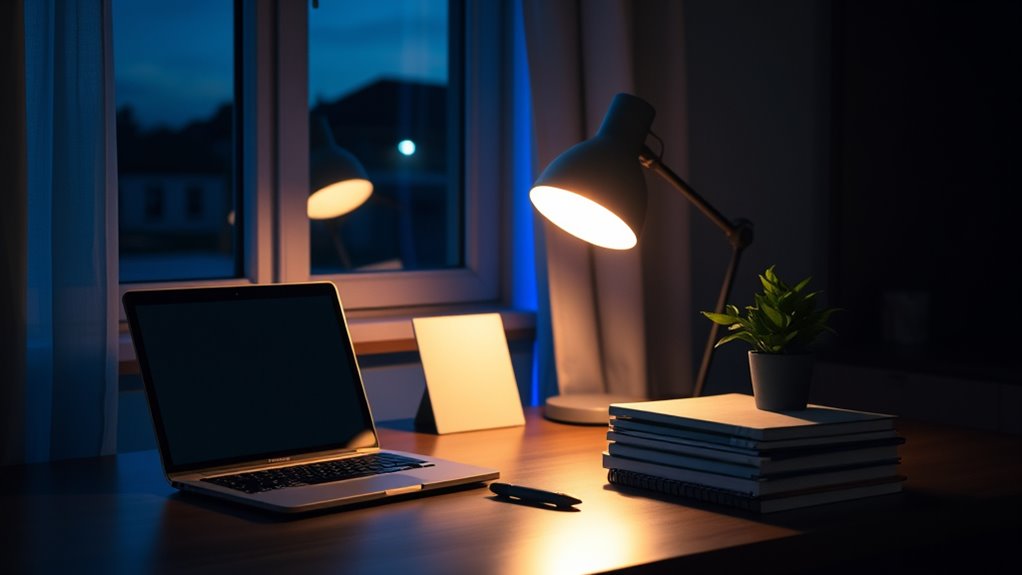
Maintaining healthy sleep habits can be challenging, especially if you spend long hours at your desk. As the evening approaches, it’s important to make adjustments that signal to your body it’s time to wind down. One of the most effective changes involves blue light reduction. Screens emit blue light, which can interfere with your natural sleep cycle by suppressing melatonin production. To combat this, consider using blue light filters or glasses after 8 PM to minimize exposure. Many devices also offer built-in night modes that shift screen colors to warmer tones, making it easier for your eyes to relax. Reducing screen time altogether during the hours leading up to sleep can make a significant difference. Instead of scrolling through emails or social media, opt for relaxing activities like reading a book or listening to calming music. This shift not only reduces blue light exposure but also helps your mind move from a busy work mode to a restful state.
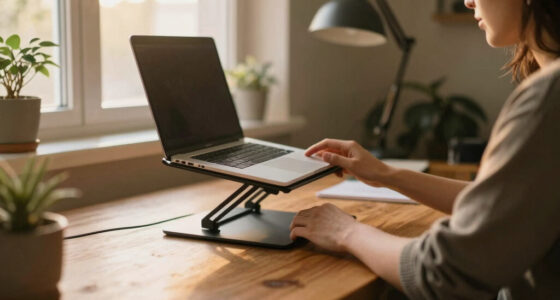
Another important aspect of preparing for sleep is making certain your ergonomic setup promotes comfort and reduces physical tension that can keep you awake. After 8 PM, adjust your workspace to create a more sleep-friendly environment. This might mean lowering your desk and chair to prevent strain on your neck and back, or positioning your monitor at eye level to avoid awkward postures. Proper ergonomic design reduces physical discomfort, which can linger and disrupt your sleep. Additionally, make sure your workspace is well-organized and clutter-free, as a tidy environment can promote calmness and reduce mental stress. As you wind down, you might want to shift your desk into a more relaxed space by removing work-related items and replacing them with softer lighting or calming decor. This helps your brain associate the area with rest rather than productivity. Incorporating ergonomic principles into your workspace setup can further enhance your comfort and support better sleep quality.
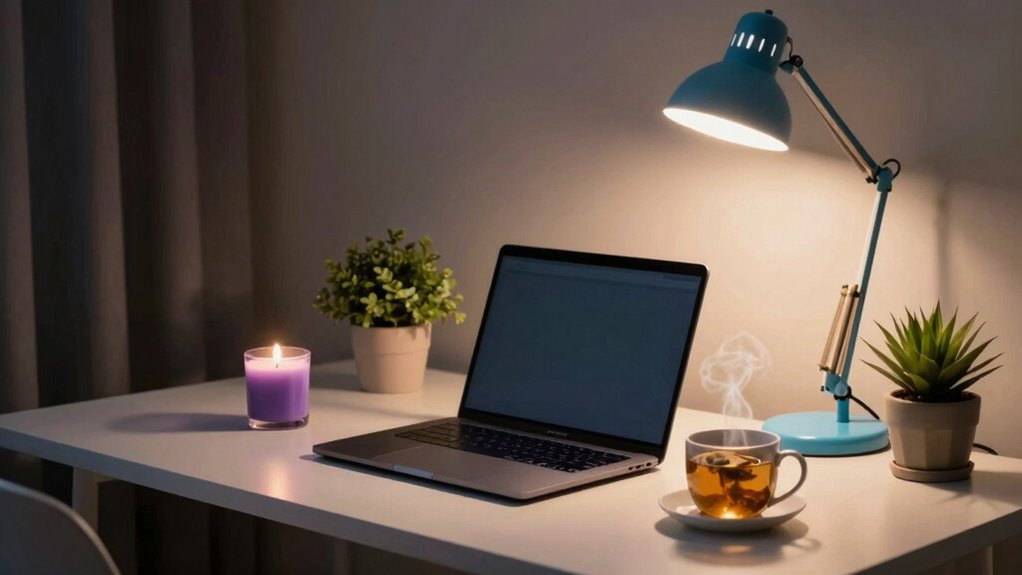
You should also consider the overall lighting in your workspace. Bright, harsh lights can overstimulate your senses and delay sleep onset. Switch to dim, warm lighting in the evening hours to encourage relaxation. Use lamps or dimmable lights instead of overhead fluorescents. The goal is to create a calming ambiance that signals your body it’s time to rest. Remember, small adjustments like these—reducing blue light, optimizing your ergonomic setup, and softening your environment—can dramatically improve your sleep quality. As you implement these changes after 8 PM, you’ll find it easier to disconnect from work stress and make the switch smoothly into a restful night’s sleep, waking up refreshed and ready for the day ahead.
blue light blocking glasses for sleep
As an affiliate, we earn on qualifying purchases.
As an affiliate, we earn on qualifying purchases.
Frequently Asked Questions
How Can I Reduce Screen Glare After 8 PM?
To reduce screen glare after 8 pm, you should enable blue light filtering on your device and lower your screen brightness. These adjustments help minimize eye strain and make it easier to wind down. Additionally, consider using a matte screen protector or positioning your screen to avoid glare from ambient light. Taking these steps creates a more sleep-friendly environment and supports better rest.
Are There Specific Desk Ergonomics for Evening Work?
You might think ergonomic setups aren’t crucial after hours, but they truly matter for evening work. Adjust your ergonomic chair for proper lumbar support and make sure your monitor is at eye level to reduce strain. Use wrist support techniques like cushioned pads to prevent fatigue. These small changes help maintain comfort, prevent injury, and keep you focused, even during late-night tasks. Proper ergonomics make your evening work safer and more comfortable.
What Lighting Is Best for Late-Night Desk Tasks?
For late-night desk tasks, you should opt for warm lighting options to reduce blue light exposure, which can interfere with your sleep. Use lamps with soft, amber or red hues, and consider blue light reduction glasses if you’re working on screens. This combination helps minimize eye strain and signals your body that it’s time to wind down, making it easier to fall asleep afterward.
How Can I Stay Alert Without Caffeine Late at Night?
To stay alert without caffeine late at night, focus on boosting your natural energy. Take short breaks to stretch or walk around, which increases blood flow and keeps you awake. Practice mindful breathing exercises to oxygenate your brain and improve focus. Drinking water also helps maintain energy levels. These strategies keep you alert naturally, helping you finish your tasks without relying on caffeine or disrupting your sleep schedule.
Should I Avoid All Work-Related Emails After 8 PM?
Should you avoid all work emails after 8 pm? Absolutely. Think of it as a digital detox, a tiny rebellion against the relentless grind. Maintaining work-life balance means setting boundaries, so your evening’s for unwinding, not checking inboxes. Deliberately disconnecting helps your mind relax and signals that work can wait until tomorrow. Trust us, your sleep—and sanity—will thank you for prioritizing personal time over late-night email marathons.
As an affiliate, we earn on qualifying purchases.
Conclusion
By adopting sleep-friendly desk habits after 8 pm, you set yourself up for better rest and overall well-being. Small changes like dimming your lights, avoiding screens, and taking breaks can make a big difference. Isn’t your sleep worth the effort? Prioritize these habits tonight and enjoy deeper, more restorative sleep tomorrow. Remember, a healthier you starts with the choices you make at your desk—so why not start tonight?
ergonomic monitor stand for eye level
As an affiliate, we earn on qualifying purchases.
As an affiliate, we earn on qualifying purchases.
adjustable height desk for relaxation
As an affiliate, we earn on qualifying purchases.
As an affiliate, we earn on qualifying purchases.
Columbus Day / Indigenous Peoples' Day Picks
long weekend sales
As an affiliate, we earn on qualifying purchases.