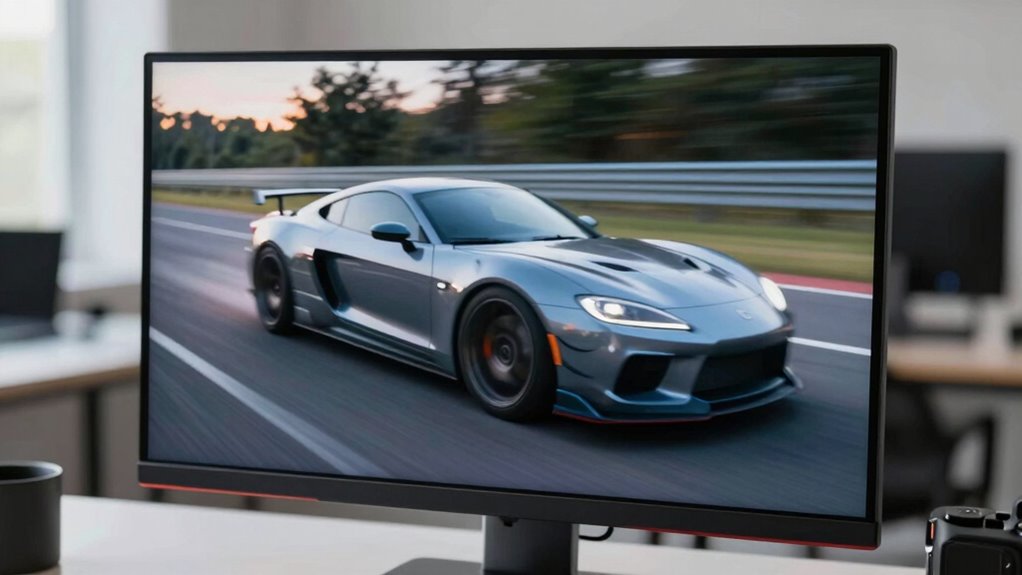

Your display’s refresh rate tells you how many times it updates each second, measured in Hertz (Hz). It’s a simple way to understand how smooth motion appears, especially during fast actions like gaming or videos. While a higher rate can improve clarity, it’s most noticeable during quick movements. Knowing the difference between refresh rate and frame rate helps you optimize your setup. Keep exploring, and you’ll discover how this impacts your viewing experience even more.
Key Takeaways
- Refresh rate is how many times a display updates per second, measured in Hertz (Hz), affecting motion smoothness.
- Higher refresh rates improve responsiveness and reduce motion blur, especially useful in gaming and fast-moving content.
- Refresh rate and frame rate are separate; their synchronization minimizes screen tearing and visual artifacts.
- For casual use, 60Hz is sufficient; higher rates like 120Hz or more benefit gamers and action viewers.
- Hardware support and proper settings are essential to fully benefit from higher refresh rates without causing issues.
Top picks for "refresh rate explain"
Open Amazon search results for this keyword.
As an affiliate, we earn on qualifying purchases.
What Is Refresh Rate and How Is It Measured?
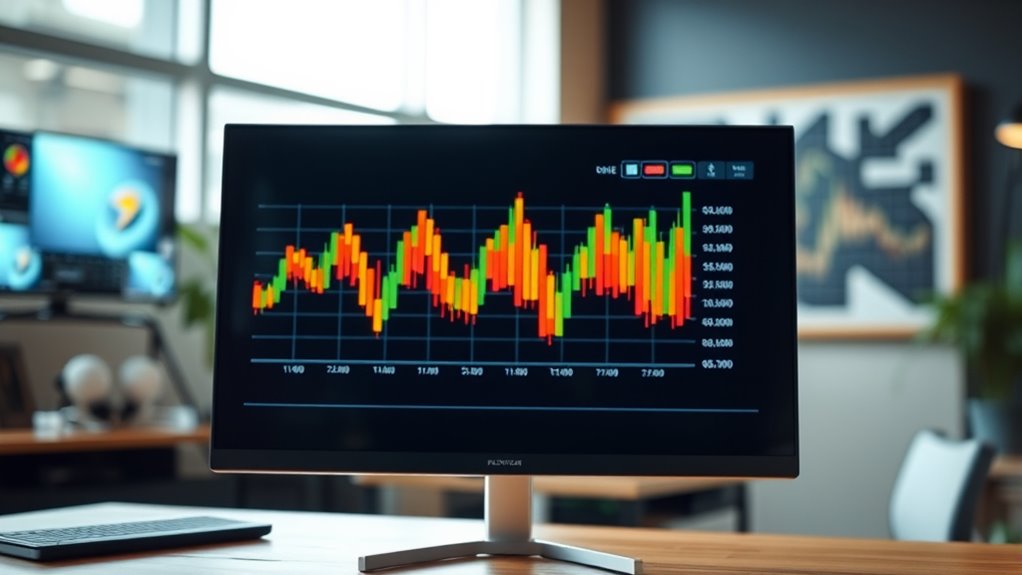
Have you ever wondered what refresh rate really means and how it’s measured? Refresh rate refers to how many times your display updates with new images each second, measured in Hertz (Hz). For example, a 60Hz screen refreshes 60 times per second. It’s determined by the display’s hardware capabilities, specifically how quickly it can redraw the images. Manufacturers test this by signaling the monitor to update at specific frequencies and measuring the number of updates per second. Higher refresh rates mean smoother motion, especially noticeable in fast-paced activities like gaming or watching action movies. Keep in mind, the refresh rate isn’t the same as frame rate, which is how many individual images your device creates per second. Understanding this helps you choose a display that suits your needs.
The Difference Between Refresh Rate and Frame Rate

You might think refresh rate and frame rate are the same, but they actually affect visuals differently. Understanding how they interact can improve your viewing experience and clear up common misconceptions. Let’s explore how these two terms impact what you see on screen.
Refresh Rate vs. Frame Rate
Understanding the difference between refresh rate and frame rate is essential for evaluating display performance. Refresh rate measures how many times your screen updates per second, typically expressed in Hertz (Hz). Frame rate, on the other hand, indicates how many individual images your graphics card produces each second, measured in frames per second (FPS). A high refresh rate means your display can update more frequently, but if your frame rate is lower, you’ll notice less smooth motion. Conversely, if your frame rate exceeds your monitor’s refresh rate, you might experience issues like screen tearing. Matching the two helps guarantee smooth visuals, but they aren’t interchangeable—each plays a distinct role in how you perceive motion on your screen. Understanding both helps you optimize your gaming or viewing experience.
Impact on Visuals
When your display’s refresh rate and your graphics card’s frame rate aren’t aligned, the quality of the visuals can be noticeably affected. Misalignment can cause issues like screen tearing, stuttering, or input lag. To understand this impact:
- Smoothness: Higher refresh and frame rates create fluid motion, making fast-paced scenes look seamless.
- Clarity: Consistent frame delivery reduces motion blur, sharpening moving objects.
- Responsiveness: Better synchronization minimizes input lag, giving you quicker reactions.
- Visual Stability: Proper alignment prevents flickering and tearing, ensuring stable images.
Ultimately, matching your refresh rate with your frame rate delivers clearer, smoother visuals, enhancing your overall experience. When they’re out of sync, the visuals can feel choppy or distracting, detracting from immersion and enjoyment.
Common Misconceptions
Many people confuse refresh rate with frame rate, but they are distinct aspects of display performance. Refresh rate refers to how many times per second your monitor updates the image, measured in hertz (Hz). Frame rate, on the other hand, is how many frames your graphics card produces each second, measured in frames per second (FPS). A common misconception is that higher refresh rates automatically mean smoother visuals; however, if your frame rate doesn’t match or exceed the refresh rate, the difference might not be noticeable. Conversely, a high frame rate can improve motion clarity even on a standard 60Hz display. Understanding the distinction helps you make better choices for gaming, video editing, or everyday use, avoiding false expectations about what higher refresh rates can deliver.
Why Refresh Rate Matters for Different Activities
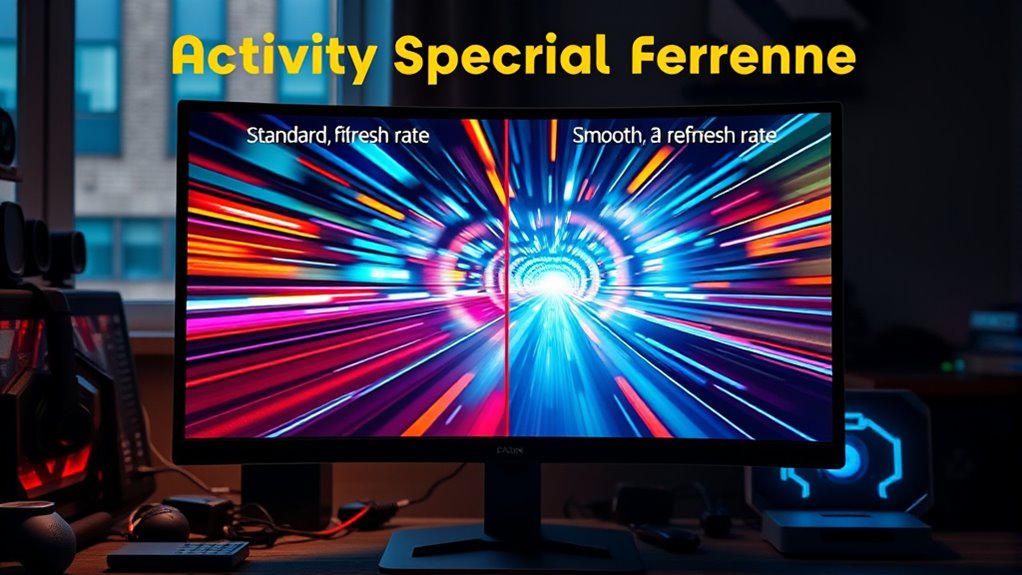
Your choice of refresh rate can considerably impact your experience depending on what you’re doing. Fast action games benefit from higher refresh rates for smoother movements, while watching videos requires less. Even for everyday tasks, a comfortable refresh rate helps reduce eye strain and enhances overall comfort.
Fast Action Games
Why does refresh rate matter so much in fast action games? Because every millisecond counts when you’re reacting to quick movements. Higher refresh rates deliver smoother, more responsive gameplay, giving you an edge over opponents. Here’s why it makes a difference:
- Reduced motion blur allows you to see fast-moving objects clearly.
- Faster frame updates minimize input lag, making your actions more immediate.
- Smoother visuals help you track enemies and projectiles better.
- Enhanced responsiveness boosts your reaction time, *vital* in competitive play.
Without a high refresh rate, fast-paced scenes can look choppy, and your reactions might lag behind the action. Upgrading your display makes your gameplay more fluid, precise, and enjoyable—*essential* for winning in fast action games.
Smooth Video Playback
In fast action games, high refresh rates guarantee quick, responsive visuals that keep gameplay smooth and precise. For video playback, a higher refresh rate reduces motion blur and judder, making scenes appear clearer and more natural. When watching movies or videos with fast-moving scenes, a 60Hz display can sometimes cause blurriness or stuttering, especially on high-speed sequences. Upgrading to 120Hz or higher helps guarantee fluid motion, providing a more immersive viewing experience. This is particularly noticeable with action-packed movies or sports broadcasts. A higher refresh rate minimizes lag between frames, making fast movements appear seamless. As a result, your videos feel more lifelike, reducing eye strain and enhancing overall enjoyment. Refresh rate truly matters for smooth, high-quality video playback.
Everyday Use Comfort
Choosing a monitor with the right refresh rate can considerably improve your everyday comfort, especially during prolonged use. Higher refresh rates reduce flickering and eye strain, making tasks like browsing or working more comfortable. When selecting a refresh rate, consider these factors:
- Extended Screen Time: A higher refresh rate minimizes fatigue during long hours on your computer.
- Reading and Editing: Smooth motion helps keep your eyes focused without discomfort.
- Video Conferencing: Clearer, flicker-free images reduce eye strain during meetings.
- General Use: Even casual activities benefit from a refresh rate that prevents flickering and eye fatigue.
Common Misconceptions About Refresh Rate
Many people believe that a higher refresh rate automatically means a better viewing experience, but this isn’t always true. A common misconception is that doubling the refresh rate will drastically improve picture quality in all situations. In reality, higher refresh rates mainly benefit fast-paced content like gaming or sports. For everyday use, such as browsing or watching videos, a standard refresh rate often suffices. Some assume that higher refresh rates reduce eye strain, but this isn’t guaranteed. Factors like screen resolution, brightness, and flicker also influence comfort. Additionally, people think higher refresh rates are always noticeable, but the difference can be subtle unless you’re specifically looking for it. Understanding these misconceptions helps you make better choices based on your actual needs, not hype.
How Refresh Rate Affects Motion Smoothness
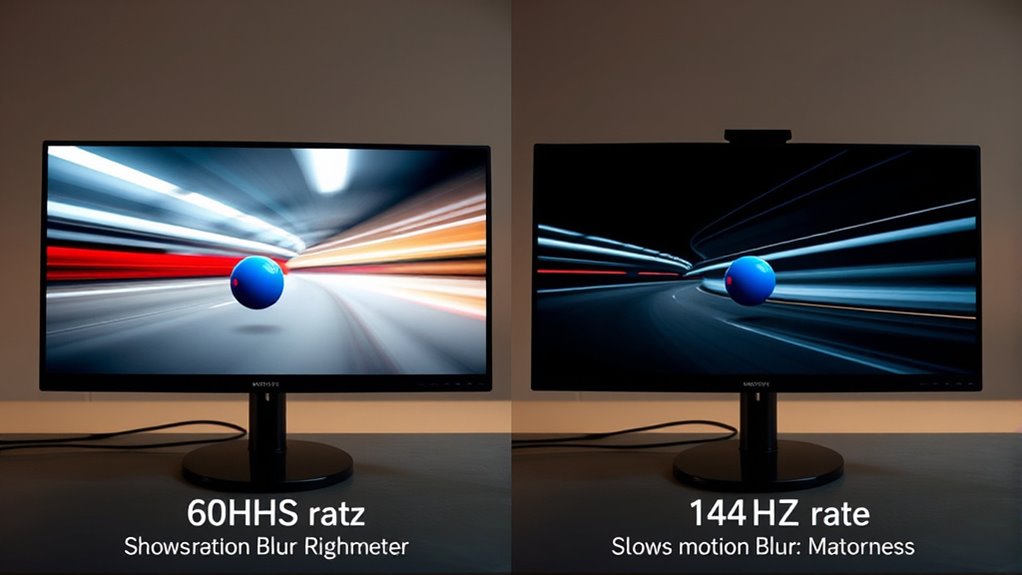
While higher refresh rates don’t always dramatically improve overall picture quality, they play a significant role in making motion appear smoother. When you increase the refresh rate:
- Your eyes perceive less flickering, resulting in a more stable image during fast motion.
- Fast-paced scenes, like sports or gaming, appear more fluid and natural.
- Motion blur reduces, making moving objects clearer and more detailed.
- Overall responsiveness improves, giving you a more immediate feel during interactive activities.
The Limitations of Higher Refresh Rates

While higher refresh rates can improve your viewing experience, they also come with limitations. Your hardware might struggle to support these speeds, leading to compatibility issues. Additionally, the visual improvements become less noticeable beyond a certain point, making the extra effort less worthwhile.
Hardware Compatibility Challenges
Despite the appeal of higher refresh rates, hardware compatibility often limits their effectiveness. Your graphics card and monitor must support the same refresh rate for ideal performance. If they don’t, you’ll face issues like screen tearing or stuttering.
- Graphics Card Limits: Not all GPUs can push beyond certain frame rates, especially in demanding games.
- Monitor Support: Some monitors only support specific refresh rates, restricting your options.
- Connection Interfaces: Older HDMI or DisplayPort versions may not handle higher rates effectively.
- System Bottlenecks: CPU and memory performance can bottleneck frame output, preventing you from fully utilizing higher refresh rates.
Matching hardware components is essential; otherwise, the benefits of higher refresh rates won’t be fully realized.
Diminishing Visual Gains
As you increase your monitor’s refresh rate, you might expect smoother visuals and a more immersive experience, but the reality often falls short of these expectations. Beyond a certain point, higher refresh rates offer diminishing returns, making the visual improvements less noticeable. Your eyes can only perceive so much motion clarity, and once you reach around 120Hz or 144Hz, the difference becomes subtle. Factors like your graphics card, game optimizations, and display settings also limit gains. Additionally, higher refresh rates demand more processing power and can introduce issues like increased input lag or screen tearing if not properly managed. So, while higher refresh rates can enhance your experience, pushing beyond a certain level often results in minimal perceptible benefits.
When Does a Higher Refresh Rate Make a Real Difference?
A higher refresh rate makes a noticeable difference when you’re engaging in fast-paced activities like gaming or watching action-packed videos. You’ll experience smoother motion and less blur, making it easier to react quickly. Here are four scenarios where a higher refresh rate truly matters:
- Fast-paced gaming, especially first-person shooters and competitive titles
- Watching high-action movies or sports with rapid motion
- Using virtual reality headsets, which demand fluid visuals for comfort and immersion
- Working with fast-moving graphics or animations in creative software
In these situations, a higher refresh rate improves your visual experience by reducing motion blur and lag. If you mostly browse or do casual tasks, the difference might be minimal.
Refresh Rate and Screen Response Time
While a high refresh rate guarantees smoother motion on your screen, it works best when paired with a quick screen response time. Response time measures how fast your display can change from one color or image to another. If response times are slow, you might see ghosting or blurring, even with a high refresh rate. This can make fast-moving scenes look less sharp and more confusing. A fast response time ensures that each frame updates quickly and accurately, matching the refresh rate’s potential. Together, a high refresh rate and low response time create a more fluid, clear image during fast action scenes or gaming. Without a quick response time, the benefits of a high refresh rate are limited, and your viewing experience may still feel laggy or blurry.
Choosing the Right Refresh Rate for Your Needs
Choosing the right refresh rate depends on how you use your display. If you mainly browse the web or watch videos, a standard 60Hz is sufficient. For casual gaming, consider 75Hz or 120Hz to improve smoothness. Competitive gamers benefit from 144Hz or higher for fast response times. Content creators working on detailed visuals might prioritize color accuracy over refresh rate but can still opt for 60Hz to 120Hz. Keep in mind:
Choose a refresh rate that matches your activity—60Hz for daily tasks, higher for gaming or creative work.
- Everyday use: 60Hz is adequate.
- Casual gaming: 75Hz-120Hz enhances experience.
- Competitive gaming: 144Hz or above reduces motion blur.
- Professional work: 60Hz works, but higher rates can improve workflow.
Choose based on your priorities—smoothness, responsiveness, or visual fidelity—and your budget. The right refresh rate aligns with your activities, not just marketing hype.
Demystifying Refresh Rate in Everyday Usage
Understanding refresh rate in everyday use helps you get the most out of your display without overcomplicating things. When browsing the web, watching videos, or working on your computer, a higher refresh rate can make motion look smoother and reduce eye strain. For most tasks, a standard 60Hz refresh rate works fine, providing clear visuals without unnecessary complexity. If you’re into fast-paced gaming or editing high-frame-rate videos, higher refresh rates like 120Hz or 144Hz make movements appear more fluid. However, for everyday activities, you probably won’t notice much difference beyond 60Hz. Knowing this helps you avoid overspending on high refresh rate monitors when they’re not needed. Ultimately, understanding how refresh rate impacts your daily use helps you choose the right display for your needs without hype.
Frequently Asked Questions
Can a Higher Refresh Rate Reduce Eye Strain?
Yes, a higher refresh rate can reduce eye strain because it makes motion appear smoother, which lessens flickering and reduces the effort your eyes need to track moving images. When your display refreshes more frequently, your eyes don’t have to work as hard to keep up, especially during fast-paced activities like gaming or scrolling. Keep in mind, though, other factors like proper lighting and breaks also play vital roles in minimizing eye fatigue.
Is Refresh Rate More Important Than Resolution?
You might think resolution matters more, but honestly, a higher refresh rate can make your experience smoother and more comfortable. While crisp images are nice, if your screen refreshes faster, you’ll notice less flickering and eye strain, especially during fast-paced gaming or long work sessions. So, don’t overlook refresh rates—they often deliver a more noticeable upgrade in day-to-day use than resolution alone.
Do All Devices Support High Refresh Rates?
Not all devices support high refresh rates. Budget smartphones and older monitors often max out at 60Hz, while gaming monitors and newer smartphones can go up to 120Hz, 144Hz, or even higher. To enjoy high refresh rates, you need compatible hardware, including a display that supports it and a device with a capable graphics card or processor. Always check your device’s specifications before expecting high refresh rates.
How Does Refresh Rate Impact Battery Life?
A higher refresh rate can drain your battery faster because your device updates the display more frequently. When you use a 120Hz screen, it consumes more power than a 60Hz one, especially during intensive tasks like gaming or scrolling. To conserve battery life, you can lower the refresh rate in your device settings or enable adaptive refresh rate features that adjust based on your activity, helping extend your device’s battery life.
Is a 120HZ Display Noticeable in Everyday Tasks?
You’ll notice a 120Hz display in everyday tasks like scrolling through social media or browsing websites. For instance, if you switch from a 60Hz to a 120Hz screen, scrolling feels much smoother and more responsive, making your experience more fluid. While you might not see a drastic difference during basic activities, the increased refresh rate enhances overall feel, especially when gaming or watching fast-paced videos.
Conclusion
Understanding refresh rate helps you pick the right display for your needs, whether for gaming, watching, or working. Don’t fall for hype—higher isn’t always better. Think of refresh rate like a camera shutter: faster shutters capture smoother motion but can also introduce noise. By grasping the facts, you can see through misconceptions and choose a screen that truly enhances your experience without unnecessary hype.