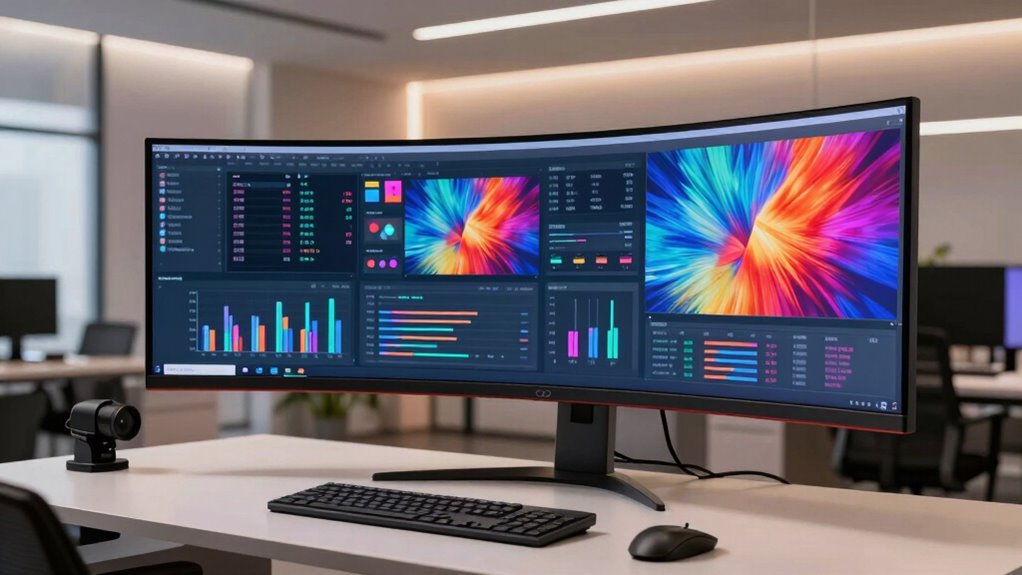

You work better on one giant screen because it helps you see multiple applications, documents, or data streams at once, boosting your efficiency. It reduces the need to switch tabs or windows, keeping you focused and minimizing distractions. Plus, larger screens are more comfortable for your eyes, reducing fatigue during long tasks. High resolution guarantees sharp images and clear details, essential for accuracy. If you want to discover how to optimize your workspace further, keep exploring.
Key Takeaways
- A single large screen enhances multitasking by displaying multiple applications simultaneously, reducing time spent switching between windows.
- It improves visual comfort and reduces eye strain, enabling longer, more focused work sessions.
- High resolution on a giant display ensures sharp visuals and clarity, crucial for detailed tasks.
- Larger screens facilitate better data interpretation and visual accuracy, supporting precise work.
- The immersive viewing experience minimizes distractions, boosting concentration and overall productivity.
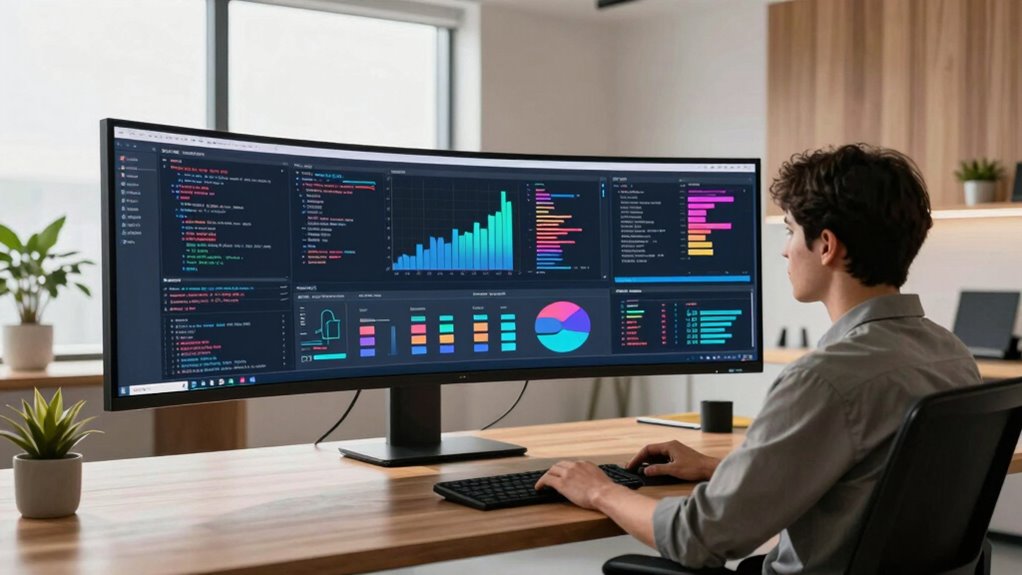
For some people, working on a single, giant screen isn’t just a preference—it’s a productivity booster. When you have a large display, you can view multiple applications, documents, or data streams at once without constantly switching between tabs or windows. This setup minimizes distractions and helps you maintain focus, making your workflow smoother and more efficient. But beyond convenience, a big screen can markedly impact your eye comfort and visual clarity.
One of the main reasons a giant screen enhances your work experience is its influence on eye strain. Smaller screens force you to squint or strain your eyes to read fine details or see distant parts of the display. With a larger screen, you can sit back comfortably and view everything clearly without leaning forward or squinting. This reduces eye fatigue, which can otherwise lead to headaches and decreased productivity over prolonged periods. Plus, a bigger screen allows you to customize font sizes and interface elements, making reading easier and less taxing on your eyes. Additionally, screen resolution plays an essential role in making a giant display effective for work. When you invest in a high-resolution monitor—think 4K or higher—you get sharper images and crisper text, which is critical for tasks that demand precision, like graphic design, coding, or detailed data analysis. Higher resolution means you can fit more content on the screen without sacrificing clarity, so you’re not constantly zooming in or straining to read tiny fonts. If the resolution isn’t high enough, a large screen can have the opposite effect, making everything appear pixelated or blurry, which defeats the purpose and can cause additional eye strain. Furthermore, visual fidelity is crucial in ensuring that your work remains precise and easily interpretable, especially when dealing with complex data or detailed images. Improving your overall visual comfort can significantly boost your focus and reduce fatigue over those long working hours.

LG 27UP650K-W 27-inch Ultrafine 4K UHD (3840 x 2160) IPS Computer Monitor, 60Hz, 5ms, DisplayHDR 400, Reader Mode, Flicker Safe, HDMI, DisplayPort, Tilt/Height/Pivot Adjustable Stand, White
Stunning Image Quality in 4K Display – The 27-inch UHD 4K (3840 x 2160) IPS display reproduces clear…
As an affiliate, we earn on qualifying purchases.
As an affiliate, we earn on qualifying purchases.
Frequently Asked Questions
How Does Screen Size Affect Individual Productivity?
A larger screen boosts your productivity by enhancing visual immersion, helping you focus better on tasks. It reduces the need to switch between windows, allowing you to see more at once. Plus, a giant screen preserves peripheral awareness, so you stay aware of your surroundings without losing focus. This setup minimizes distractions and streamlines your workflow, making it easier to complete complex projects efficiently.
Are There Health Risks Associated With Large Screens?
Large screens are like ocean waves—beautiful but powerful enough to cause trouble. You might experience eye strain from prolonged focus on big displays, and ergonomic concerns arise if you don’t adjust your setup properly. To stay healthy, take regular breaks, follow the 20-20-20 rule, and make sure your monitor is at eye level. Doing so keeps your vision clear and your posture steady, preventing discomfort from overwhelming visual waves.
What Types of Tasks Benefit Most From a Giant Screen?
You benefit most from a giant screen when tackling tasks that require high visual clarity and multitasking, like data analysis, graphic design, or video editing. The large display allows you to see details clearly and organize multiple windows easily. Make sure your setup has ergonomic design to prevent strain. This combination helps you stay focused, work efficiently, and reduces fatigue during extended sessions.
How Can I Set up a Giant Screen Workspace Effectively?
To set up your giant screen workspace effectively, start with proper workspace ergonomics—position the screen at eye level and maintain comfortable seating. For example, a designer found that adjusting screen calibration reduced eye strain and improved workflow. Make sure your monitor is calibrated for accurate colors and brightness. Keep cables organized to avoid clutter, and position the screen to minimize glare. These steps create a comfortable, productive environment for your work.
Do Large Screens Improve Creative Thinking or Focus?
Large screens can improve your creative thinking and focus by providing better visual clarity, making details easier to see and explore. They also enhance ergonomic comfort, reducing eye and neck strain, which helps you stay engaged longer. With a bigger display, you can seamlessly view multiple ideas or tools, fostering a more inspiring environment. Ultimately, a giant screen helps you think more freely and concentrate deeply without constant distractions.

SAMSUNG 49-inch Odyssey G9 (G91F) DQHD, 144Hz, Curved Gaming Monitor, Ultra-Wide 32:9 Screen, DisplayHDR 600, AMD FreeSync™ Premium Pro, Ergonomic Stand, LS49FG910ENXZA, 2025
WRAP YOURSELF IN GREATER DETAIL: Immerse yourself in a panoramic gaming experience with a 1000R curved display. This…
As an affiliate, we earn on qualifying purchases.
As an affiliate, we earn on qualifying purchases.
Conclusion
Just like a maestro orchestrates every note on a single grand stage, you find harmony when working on one giant screen. It’s your command center, where focus sharpens and distractions fade, much like a painter’s canvas that holds all their vision. Embrace the clarity, the simplicity—because in this digital symphony, your productivity hits a crescendo. When you work on a giant screen, you’re not just working—you’re conducting your masterpiece.

SAMSUNG 32" Odyssey G55C Series QHD 1000R Curved Gaming Monitor, 1ms(MPRT), HDR10, 165Hz, AMD Radeon FreeSync, Eye Care, Glare Free, Sharp Resolution LS32CG550ENXZA
BOOST YOUR REALITY: Your gaming world, more lifelike than ever. With 1.7x the pixel density of Full HD,…
As an affiliate, we earn on qualifying purchases.
As an affiliate, we earn on qualifying purchases.

SAMSUNG 34" ViewFinity S50GC Series Ultra-WQHD Monitor, 100Hz, 5ms, HDR10, AMD FreeSync, Eye Care, Borderless Design, PIP, PBP, LS34C502GANXZA, 2023, Black
DO MORE ON ONE SCREEN: See every detail on the wider display featuring a 21:9 aspect ratio; Ultra…
As an affiliate, we earn on qualifying purchases.
As an affiliate, we earn on qualifying purchases.