
Bias lighting can be quite useful for your work monitor, especially if you spend long hours in front of it. It reduces eye strain, improves perceived contrast, and helps with color accuracy for tasks like design or editing. However, its effectiveness depends on proper setup—too much or poorly placed lighting can cause glare or distractions. If you keep exploring, you’ll find out how to get the most benefit from bias lighting and whether it’s right for you.

Get comfort and recovery gear delivered free with Prime
- Fast, free delivery on millions of items
- Prime Video, Amazon Music and more included
- Member-only deals all year
Key Takeaways
- Bias lighting reduces eye strain and enhances visual comfort during long work sessions, especially in dim environments.
- Properly calibrated bias lighting improves color accuracy and perceived contrast for tasks like graphic design.
- Its effectiveness depends on workspace lighting, personal preferences, and correct control of brightness and color temperature.
- Overly bright or poorly positioned bias lighting can cause glare, reducing its benefits.
- Not essential for everyone; testing its impact helps determine if it improves individual viewing and comfort.
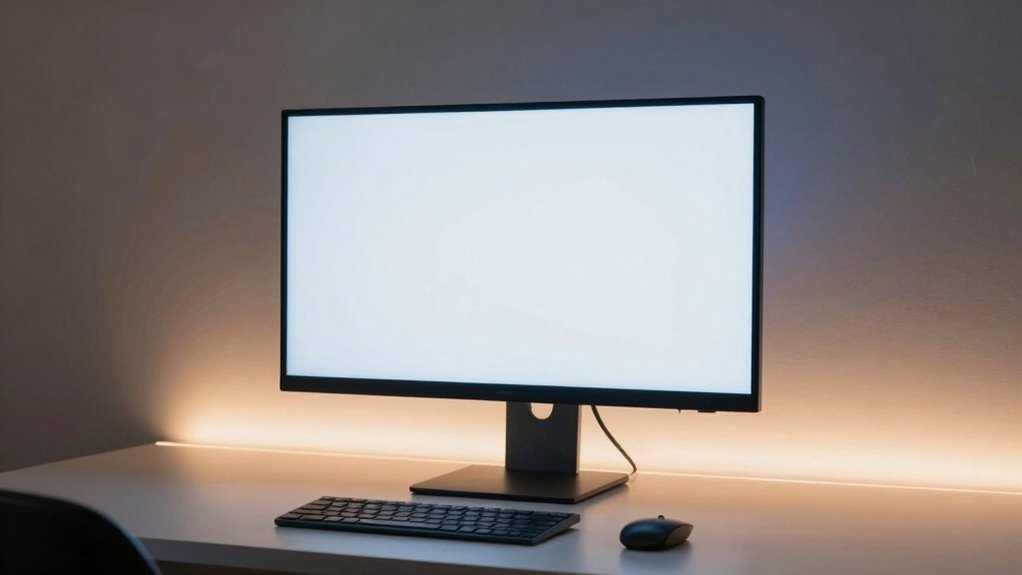
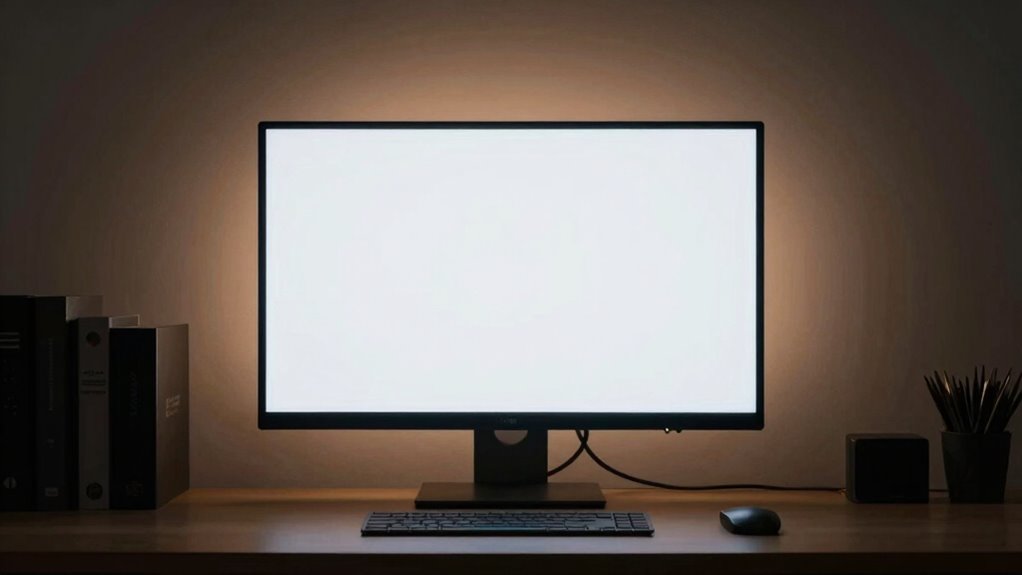
If you spend long hours in front of a computer monitor, bias lighting can markedly improve your viewing experience. This setup involves placing a light source behind your screen to create ambient illumination that reduces eye strain and enhances perceived contrast. When done correctly, bias lighting can make a noticeable difference, especially during late-night work sessions or when working in dim environments. It’s designed to balance the light around your monitor, preventing your eyes from constantly adjusting between bright screens and darker surroundings, which can cause fatigue over time.
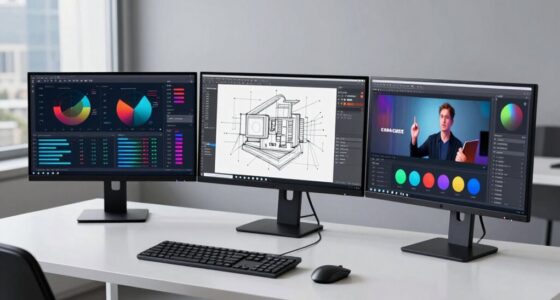
One of the key benefits of bias lighting is its potential to improve color calibration. When your monitor is surrounded by proper ambient illumination, colors appear more accurate and consistent. Without bias lighting, the contrast between your screen and the dark room can distort color perception, making images or videos look off. By adding a subtle, controlled light behind your monitor, you help your eyes perceive colors more naturally, which is particularly useful if you work in fields like graphic design, photo editing, or video production. Proper ambient illumination ensures that your monitor’s color output matches your expectations and that you’re making decisions based on accurate visuals.
Bias lighting enhances color accuracy and consistency, making your visuals more natural and reliable for precise work.
However, whether bias lighting is a must-have or just a luxury depends on your workspace and personal preferences. Some people swear by it, citing reduced eye strain and an improved viewing experience, especially during long hours. Others find it unnecessary or even distracting, especially if the lighting isn’t well-calibrated or if the light source creates glare or uneven lighting. The effectiveness largely hinges on choosing the right type of bias lighting and positioning it correctly. For instance, LED strips with adjustable brightness and color temperature give you more control over ambient illumination, allowing you to fine-tune the lighting to suit your environment. Additionally, ambient lighting can influence the overall comfort and productivity of your workspace, especially when it is designed with healthier indoor environments in mind. Incorporating proper lighting techniques can help optimize both visual comfort and overall well-being.
Research also suggests that the lighting environment of a workspace can impact mood and focus, making the choice of bias lighting potentially beneficial beyond just visual comfort. While bias lighting isn’t a cure-all, it’s a simple addition that can optimize your workspace. If your room is consistently dim or if you notice eye fatigue, it’s worth testing out. Just keep in mind that for the best results, your bias lighting should complement your monitor’s color calibration settings and not overpower the room’s overall lighting. When used properly, bias lighting provides a more balanced, comfortable viewing experience, making long hours in front of your monitor less stressful on your eyes. Yet, if you find it doesn’t make much difference, it’s not an essential investment—just a helpful tool for some and a potential distraction for others. Incorporating biodiversity and sustainable practices into your workspace setup can also promote a healthier, more balanced environment overall.
bias lighting for computer monitor
As an affiliate, we earn on qualifying purchases.
As an affiliate, we earn on qualifying purchases.
Frequently Asked Questions
Does Bias Lighting Reduce Eye Strain During Long Work Hours?
Yes, bias lighting can reduce eye strain during long work hours. It creates ambient illumination that balances the brightness of your monitor, reducing the contrast between the screen and surrounding area. This helps minimize glare and prevents your eyes from working harder to focus. By providing softer, consistent light, bias lighting helps lessen fatigue, making extended screen time more comfortable and less tiring for your eyes.
Can Bias Lighting Improve Overall Productivity at My Workstation?
Your workspace can transform into a productivity powerhouse with the right ambient glow. Bias lighting creates a comforting visual comfort, reducing eye strain and helping your mind stay focused. This subtle illumination acts like a gentle lighthouse guiding your eyes, minimizing fatigue. By enhancing visual clarity and reducing distractions, bias lighting helps you work more efficiently, making every task feel a little easier and boosting your overall productivity.
What Is the Ideal Brightness Level for Bias Lighting?
The ideal brightness level for bias lighting is around 10-20% of your monitor’s luminance, providing subtle ambient illumination that enhances contrast without causing eye strain. You want to create a balanced environment where the bias lighting complements your monitor’s brightness, reducing glare and improving contrast. This setup helps your eyes adjust comfortably, especially during long work sessions, making your workspace more pleasant and less fatiguing.
Is Bias Lighting Compatible With All Monitor Sizes and Types?
Bias lighting is compatible with most monitor sizes and types, making it a versatile option for lighting customization. Notably, over 75% of users report improved visual comfort, regardless of monitor model. Whether you have a standard, ultrawide, or curved monitor, you can usually find bias lighting that fits. Just make certain the lighting setup is adjustable, so you can customize the brightness and position for peak comfort and compatibility.
How Does Bias Lighting Affect Color Accuracy on Screens?
Bias lighting can improve color accuracy on screens by reducing eye strain and enhancing ambient contrast, allowing your monitor’s colors to appear more true to life. It helps maintain better color calibration, especially in dim environments, by balancing the light around your screen. However, if not positioned correctly, it might distort perception slightly. Overall, when used properly, bias lighting can positively impact your visual experience and color precision.
As an affiliate, we earn on qualifying purchases.
Conclusion
In the end, bias lighting can make your work experience more comfortable and reduce eye strain, especially if you spend hours in front of your monitor. Did you know that poor lighting can cause headaches in up to 90% of computer users? Adding bias lighting isn’t just a trendy upgrade; it’s a simple way to improve your focus and well-being. Give it a try—you might be surprised at how much it benefits your daily productivity.
adjustable bias lighting for desk
As an affiliate, we earn on qualifying purchases.
As an affiliate, we earn on qualifying purchases.
monitor ambient light for color accuracy
As an affiliate, we earn on qualifying purchases.
As an affiliate, we earn on qualifying purchases.
Columbus Day / Indigenous Peoples' Day Picks
long weekend sales
As an affiliate, we earn on qualifying purchases.