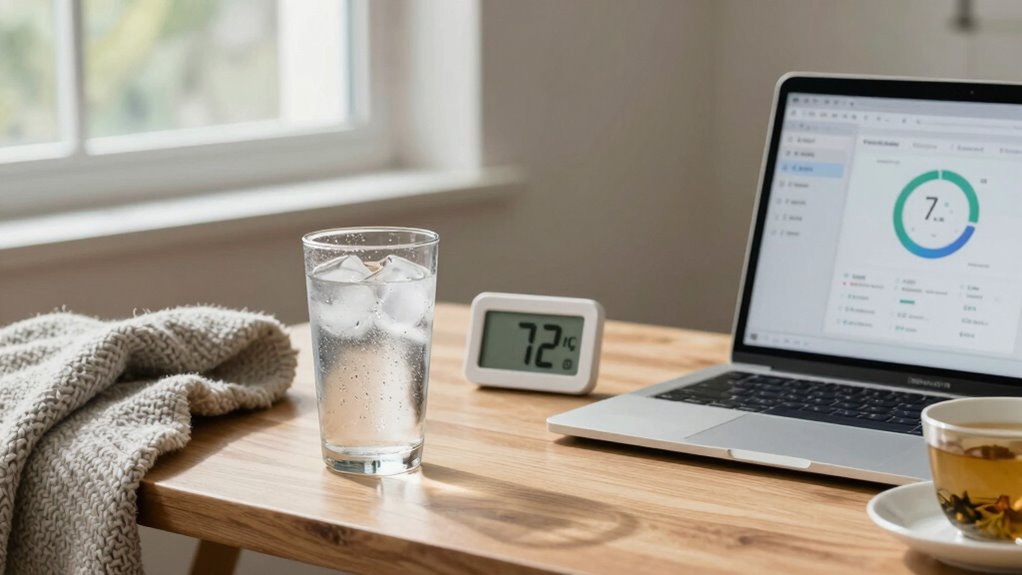

To stay comfortable during long desk days, you should adjust your environment with ergonomic accessories like customizable fans or heaters for localized control. Layer your clothing to quickly adapt to temperature changes, and keep a few lightweight layers nearby. Guarantee good air circulation by ventilating regularly, and stay hydrated to help your body maintain a steady temperature. Small adjustments can make a big difference, and if you keep exploring, you’ll discover even more ways to optimize your workspace comfort.
Key Takeaways
- Maintain a stable temperature by positioning your workspace away from drafts and direct sunlight.
- Use adjustable fans or heaters for localized temperature control and quick adjustments.
- Layer clothing to easily adapt to temperature fluctuations throughout the day.
- Ensure proper air circulation with ventilation strategies to prevent stagnant air and uneven heating.
- Stay hydrated with water or herbal drinks to help your body regulate temperature and reduce fatigue.
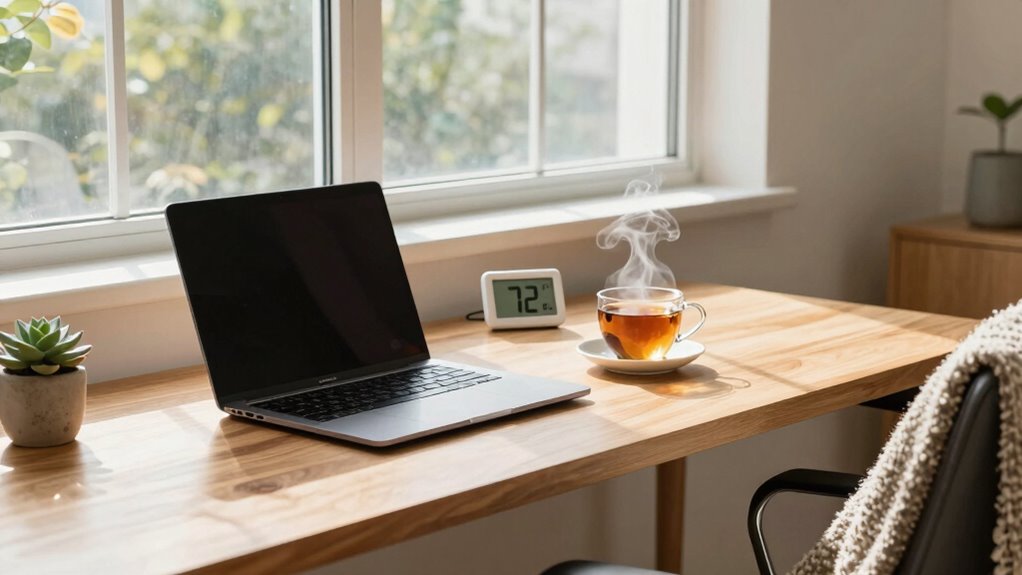
When spending long hours at your desk, maintaining the right temperature can make a significant difference in your comfort and productivity. If it’s too hot or too cold, you’ll likely find it harder to focus and stay engaged with your work. The key is creating an environment that keeps you comfortable without causing distractions. One effective way to do this is by using ergonomic accessories that help regulate temperature and support your posture. For example, adjustable desk fans or heaters can provide localized comfort, allowing you to fine-tune your environment without disturbing others. An ergonomic chair with good ventilation can also improve airflow around your body, preventing overheating or stiffness. Properly positioning your workspace to avoid direct drafts or sunlight can help maintain a stable temperature, reducing the need for constant adjustments.
In addition to controlling your environment, you should pay attention to your hydration habits. Staying well-hydrated keeps your body temperature balanced and helps prevent fatigue or headaches caused by dehydration. Drinking water regularly throughout the day is essential, especially when working in a temperature that might fluctuate or feel uncomfortable. Adding hydration reminders to your routine can help you develop better habits, ensuring you don’t forget to drink enough. Incorporate beverages like herbal teas or infused water for variety, but avoid excessive caffeine, which can contribute to dehydration and make you more sensitive to temperature changes.
Balancing your workspace temperature also involves personal strategies beyond accessories and hydration. Layering your clothing allows you to adapt quickly to temperature shifts, keeping you comfortable without feeling overheated or chilled. Keep a lightweight sweater or shawl nearby, so you can add or remove layers as needed. Small adjustments like opening or closing a window, using a desk fan, or activating a space heater can also help fine-tune your comfort level. Remember, the goal isn’t just about temperature; it’s about creating an environment that promotes sustained focus and reduces physical discomfort. Additionally, being aware of environmental factors can help you anticipate and react to temperature fluctuations more effectively. Recognizing the importance of air circulation can also enhance your comfort by preventing stagnant air and uneven heating or cooling. Incorporating ventilation strategies can further improve airflow and help maintain a consistent temperature in your workspace. Improving indoor air quality through ventilation not only supports overall comfort but also contributes to better health and alertness during long work sessions.
Ultimately, your ideal temperature strategy combines ergonomic accessories, mindful hydration habits, and personal adjustments. By actively managing these factors, you’ll create a workspace that supports long, productive days at your desk. Staying aware of how your environment influences your comfort will help you make smarter choices, ensuring your workday remains efficient and pleasant. When you pay attention to these details, you’ll find that even extended desk hours become more manageable and less draining.
As an affiliate, we earn on qualifying purchases.
Frequently Asked Questions
How Does Humidity Affect Desk Comfort During Long Hours?
Humidity levels considerably impact your desk comfort during long hours. High humidity hampers thermal regulation, making you feel hotter and more uncomfortable, while low humidity can cause dryness and irritation. Maintaining balanced humidity helps your body regulate temperature efficiently, reducing fatigue. You should aim for moderate humidity to stay comfortable, preventing excessive sweating or dryness. Proper humidity levels support a more pleasant, productive work environment during extended desk sessions.
Are There Specific Clothing Materials That Help Regulate Temperature?
Yes, certain clothing materials help regulate your temperature. Opt for fabrics with good breathability, like cotton, linen, or moisture-wicking synthetics. These materials allow air to circulate and moisture to escape, keeping you cool and dry during long desk hours. Avoid heavy or non-breathable fabrics like polyester or wool, which can trap heat and cause discomfort. Choosing breathable clothing keeps your body temperature balanced and enhances comfort throughout your workday.
Can Desk Fans or Heaters Improve Long-Term Comfort Effectively?
Desk fans and heaters can improve your long-term comfort if used correctly. A desk fan effectively circulates air, helping you stay cool and preventing overheating, but avoid blowing directly on you to prevent discomfort. Heaters can keep you warm, but follow heater safety tips—keep it away from flammable objects and never leave it unattended. Proper use guarantees both comfort and safety, making your long desk days more manageable.
What Are Signs of Thermal Discomfort During Extended Desk Work?
You might notice signs of thermal discomfort like thermal fatigue, where your energy drops and focus wanes, or experience irritability from temperature fluctuations. Pale or flushed skin, shivering, sweating, or feeling overly hot or cold are clear indicators. Research suggests your body struggles to maintain a stable core temperature during prolonged desk work, so these signs reveal your internal system is working hard to manage the temperature imbalance, signaling it’s time to adjust your environment.
How Do Personal Preferences Influence Optimal Temperature Settings?
Your personal comfort and temperature preferences directly influence the most suitable temperature settings for you. You tend to feel most comfortable when the environment aligns with your individual needs, which can vary widely. By adjusting your workspace temperature to match your preferences, you reduce thermal discomfort and stay more focused. Remember, what’s ideal for one person might not be for another, so prioritize your comfort to enhance productivity during long desk days.
As an affiliate, we earn on qualifying purchases.
Conclusion
As you navigate your long desk days, think of your workspace as a delicate symphony, where temperature is the subtle conductor guiding comfort and focus. By tuning your environment to the perfect balance—neither too hot nor too cold—you create a harmonious rhythm that keeps your productivity in tune. Embrace these temperature strategies as your secret melody, turning your workspace into a sanctuary where your mind can flourish like a blooming garden in spring.
ergonomic chair with ventilation
As an affiliate, we earn on qualifying purchases.
As an affiliate, we earn on qualifying purchases.
As an affiliate, we earn on qualifying purchases.