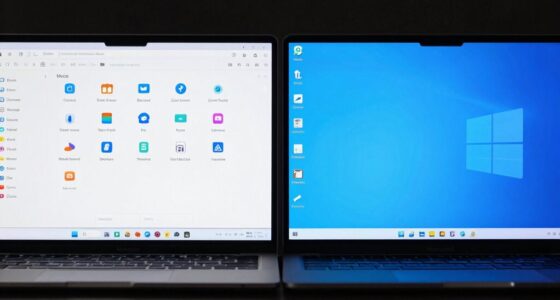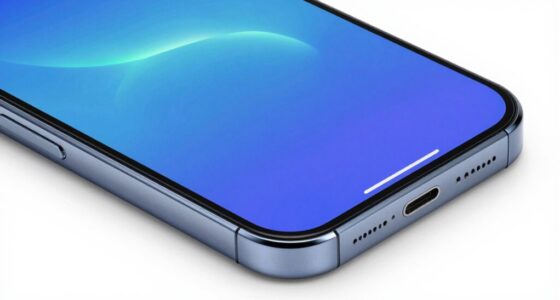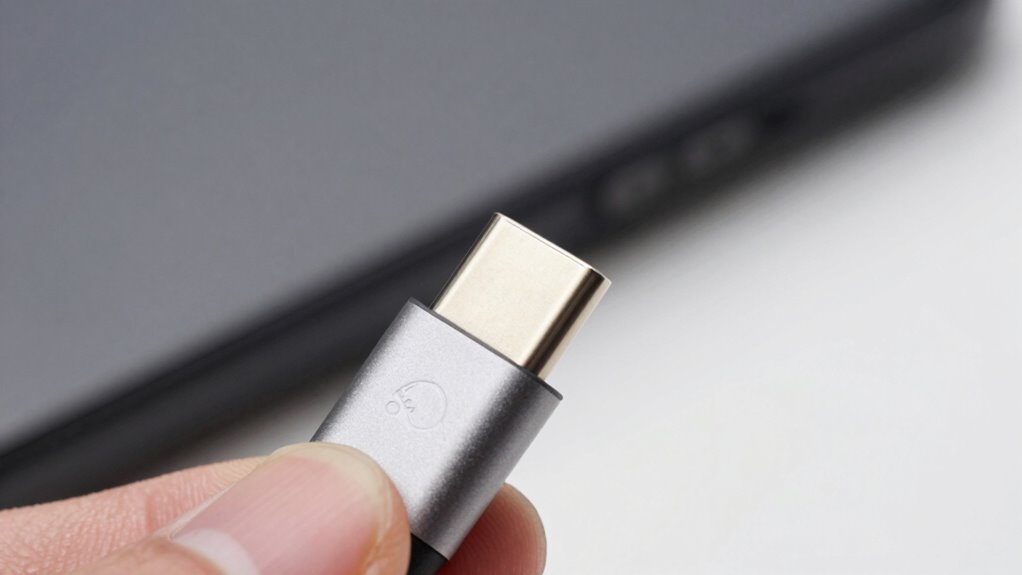

USB-C can be tricky because not all cables and ports work the same way. Some support only basic charging or data, while others handle fast charging, high-speed data, or video output. Using incompatible cables may cause slow charging, data issues, or even damage your devices. Pay close attention to cable specs and port capabilities to avoid these problems. Keep exploring to understand the differences and stay safe with your tech.

Get comfort and recovery gear delivered free — and shop member deals
- Fast, free delivery on millions of items
- Access to Prime Big Deal Days deals on October 6–7
- Prime Video, Amazon Music and more included
Key Takeaways
- Not all USB-C cables support the same functions; check specifications for charging, data transfer, or video output.
- Compatibility issues arise if cable power delivery standards aren’t matched to device requirements.
- USB-C ports vary in capabilities; some only charge or transfer data, others support video or Thunderbolt.
- Using low-quality or incompatible cables can damage devices or cause slow charging and data transfer.
- Always verify cable standards and port features to ensure proper functionality and avoid setup problems.
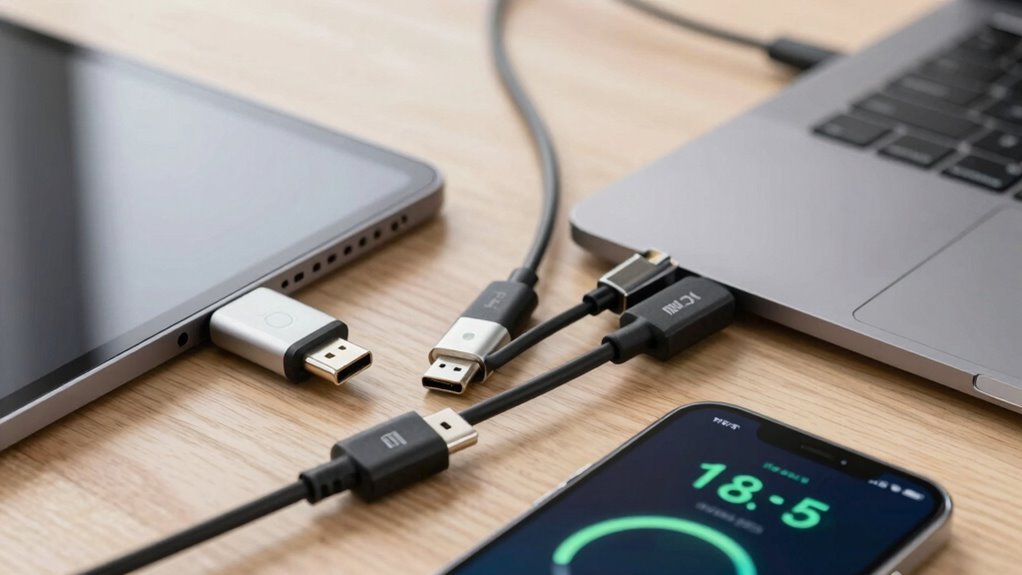
With the rise of USB-C technology, many users find themselves making common mistakes that can lead to compatibility issues or device damage. One of the most frequent pitfalls involves cable compatibility. Not all USB-C cables are created equal, and assuming any cable will work seamlessly can cause headaches. Some cables are designed solely for charging and data transfer at basic speeds, while others support faster charging and high-speed data, including video output. If you use an incompatible cable, your device might not charge properly, or data transfer could be sluggish or fail altogether. Worse, using a cheap or poorly made cable can even damage your device’s ports or internal components over time. Always check the specifications before purchasing or using a cable—look for labels indicating support for your device’s requirements, especially if you’re aiming for fast-charging or high-resolution video output. Additionally, understanding USB-C standards helps prevent mismatches that could lead to performance issues. Being aware of cable quality can also help you avoid potential damage caused by subpar construction or materials.
Power delivery issues are another common stumbling block. USB-C ports and cables can deliver varying levels of power, and not all devices support the same power profiles. If you connect a device using a cable that doesn’t support the necessary power delivery (PD), you might experience slow charging or, in some cases, no charging at all. Conversely, using a cable that supplies more power than your device can handle might seem beneficial, but it can lead to overheating or damage over time. Many users overlook the importance of matching the power delivery capabilities of their cables and chargers to their devices. To avoid this, always verify that your cable and charger support the correct PD standards for your device. For example, if you’re charging a laptop that requires higher wattage, using a cable rated for that power level is essential.
Another mistake is assuming that all USB-C ports are the same, which isn’t true. Some ports support only data transfer and charging, while others handle high-speed video or Thunderbolt 3/4 connections. This variation can lead to confusion, especially when trying to connect multiple devices or peripherals. If you don’t pay attention to the port specifications, you might find that your setup doesn’t work as expected, leading to frustration. It’s crucial to read device manuals or specifications to understand what each port can handle and to ensure your cables match those capabilities.
As an affiliate, we earn on qualifying purchases.
Frequently Asked Questions
Can I Use Any USB-C Cable for Fast Charging?
You can’t use any USB-C cable for fast charging because cable compatibility affects charging speed. Not all USB-C cables support the same power levels, so using a cable that isn’t rated for high wattage can limit charging speed or even damage your device. To guarantee fast charging, look for cables labeled as “USB-C Power Delivery” or those that specify support for higher wattage. Always check the cable’s specifications before using it for rapid charging.
Is USB-C Backward Compatible With Older USB Ports?
Did you know over 80% of devices now support USB-C? Yes, USB-C is backward compatible with older USB ports, but compatibility standards vary. You might need an adapter for older USB-A or USB-B connections. Keep in mind, choosing a durable cable guarantees long-term performance. While the ports connect, check device specifications to avoid compatibility issues and ensure your cable’s durability for reliable data transfer and charging.
Do All USB-C Ports Support Video Output?
Not all USB-C ports support video output. It depends on the video standards and port compatibility built into the device. Some USB-C ports are designed solely for data transfer and charging, while others include Thunderbolt 3 or DisplayPort support for video. Check your device specifications to see if your USB-C port supports video output, as this feature varies depending on the hardware and standards implemented.
How Do I Identify Genuine USB-C Accessories?
Did you know that around 70% of counterfeit accessories slip past consumers? To identify genuine USB-C accessories, check for brand authenticity and certification labels like USB-IF certification. Authentic products often have clear branding, proper packaging, and reliable labels. Avoid cheap imitations by purchasing from trusted retailers. These markers help guarantee your accessory is safe, compatible, and meets quality standards, saving you money and preventing potential device damage.
Are There Safety Concerns With Using Cheap USB-C Chargers?
Yes, using cheap USB-C chargers can pose safety concerns. These counterfeit accessories often lack proper charger safety features, increasing risks like overheating, short circuits, or even fires. Always opt for reputable brands and certified products to guarantee safe charging. Avoid cheap chargers that seem too good to be true, as they might not meet safety standards, putting your device and your safety at risk.
USB-C to HDMI video output cable
As an affiliate, we earn on qualifying purchases.
As an affiliate, we earn on qualifying purchases.
Conclusion
Managing USB-C can feel like trying to untangle a knot—confusing at first, but manageable once you understand the parts. Remember, not all USB-C cables are created equal, and checking for compatibility is like reading the fine print before signing a contract. By paying attention to the details, you’ll avoid common pitfalls and enjoy the simplicity USB-C promises. With a little patience, you’ll find it as straightforward as plugging in your favorite device—no more surprises.
As an affiliate, we earn on qualifying purchases.
As an affiliate, we earn on qualifying purchases.
Halloween Picks
halloween
As an affiliate, we earn on qualifying purchases.