
Armrests aren’t just decorative; they’re a key part of ergonomic support. To dial them in like a pro, adjust their height so your elbows rest at a 90-degree angle and keep your shoulders relaxed. Fine-tune width, depth, and tilt until your arms feel supported without tension or hunching. Regularly check and tweak these settings to maintain comfort and prevent strain. Keep going to discover expert tips for perfect armrest adjustments and long-term comfort.

Get comfort and recovery gear delivered free with Prime
- Fast, free delivery on millions of items
- Prime Video, Amazon Music and more included
- Member-only deals all year
Key Takeaways
- Adjust armrest height so elbows are at a 90-degree angle, supporting arms comfortably without shoulder strain.
- Ensure armrests are level with the desk to promote natural, relaxed arm positioning.
- Fine-tune width and depth to keep forearms supported and shoulders relaxed.
- Regularly inspect and tighten adjustments to maintain stability and proper alignment.
- Coordinate armrest positioning with monitor height and keyboard placement for ergonomic harmony.
As an affiliate, we earn on qualifying purchases.
Understanding the Importance of Proper Armrest Positioning
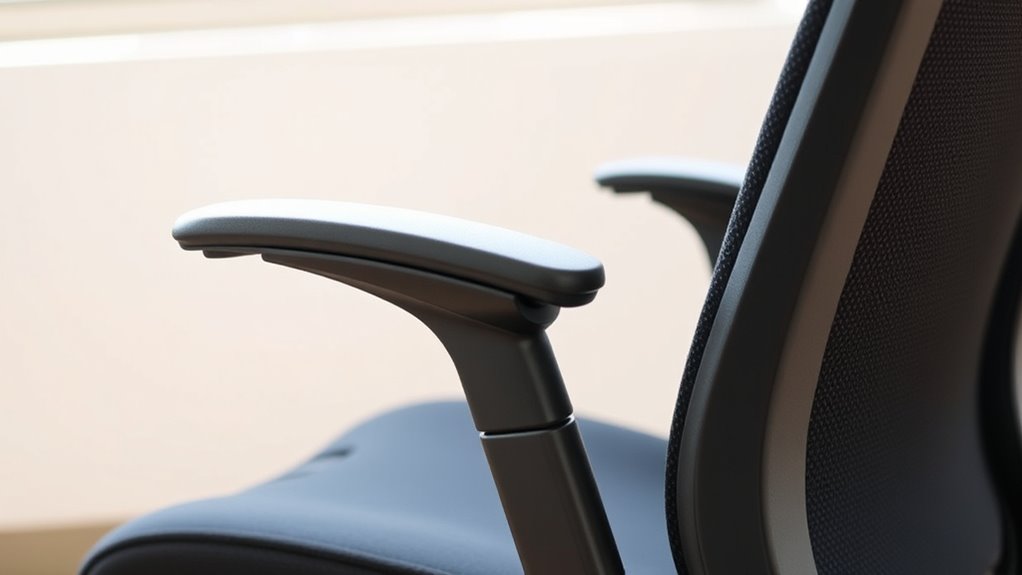
Proper armrest positioning is essential for maintaining good posture and preventing discomfort during extended periods of sitting. When your armrests are set correctly, they support your arms at a natural, relaxed height, reducing strain on your shoulders and neck. This helps you avoid slouching or leaning forward, which can lead to long-term musculoskeletal issues. Properly adjusted armrests also help distribute your weight evenly, easing pressure on your lower back and improving overall comfort. If your armrests are too high or low, they can cause tension and fatigue, impacting your focus and productivity. By ensuring your armrests are aligned with your elbows and wrists, you promote healthy ergonomics that keep you comfortable and alert throughout your work or leisure time.
As an affiliate, we earn on qualifying purchases.
Identifying Common Armrest Adjustment Types and Mechanisms
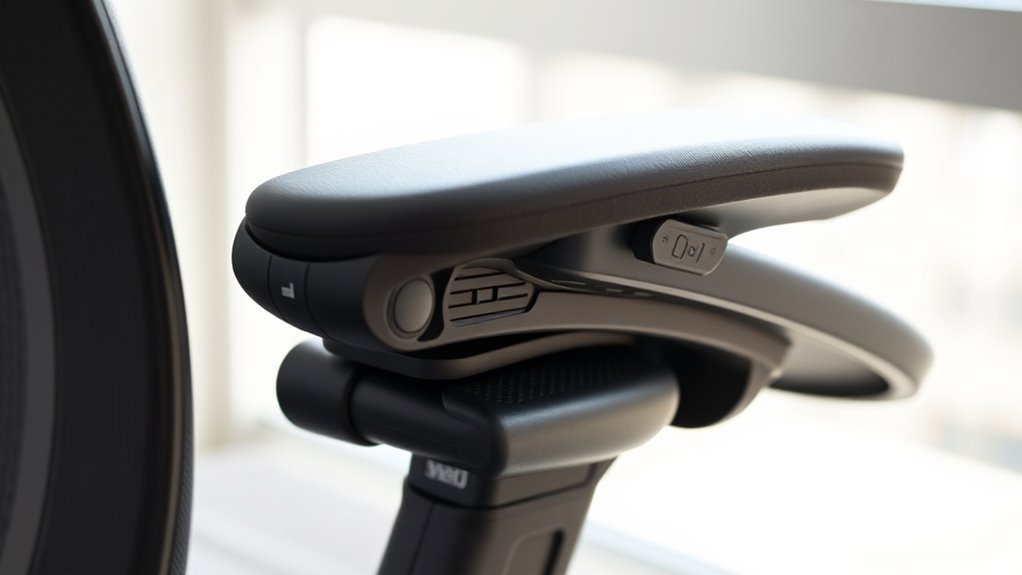
To effectively customize your armrests, it’s important to understand the various adjustment types and mechanisms available. These mechanisms determine how easily you can fine-tune your armrest position to suit your comfort.
Understanding different adjustment types helps you customize your armrests for maximum comfort and support.
- Manual Adjustment: You simply lift, push, or turn a knob to change height, width, or angle. It’s reliable and straightforward, giving you direct control.
- Pneumatic or Gas Spring: A pressurized system allows smooth, effortless height adjustments at the push of a button or lever, often with a gentle lift or press.
- Ratchet or Locking Mechanisms: These click or lock into place, providing secure positioning once adjusted, so your armrests stay exactly where you need them.
Knowing these types helps you choose and customize your armrests with confidence.
As an affiliate, we earn on qualifying purchases.
Setting the Correct Height for Optimal Support

Achieving the right armrest height is essential for maintaining comfortable and healthy posture throughout your workday. To do this, position the armrests so your elbows rest at a 90-degree angle or slightly open. Your shoulders should stay relaxed, not hunched or elevated. If the armrests are too high, they’ll push your shoulders up, causing tension. Too low, and your arms won’t be supported, leading to strain. Adjust the height so that your forearms are parallel to the floor or slightly angled downward. Ensure your wrists remain straight when typing or using a mouse. Take a moment to sit naturally, then fine-tune the height until your arms feel supported without effort. Proper armrest height encourages better posture and reduces discomfort during long periods of sitting.
As an affiliate, we earn on qualifying purchases.
Adjusting Width and Depth for Comfortable Arm Placement

Adjusting the width and depth of your armrests guarantees your arms rest comfortably without straining your shoulders or neck. Proper adjustments keep you relaxed and prevent fatigue. To achieve this, consider these key steps:
- Set the width so your elbows stay close to your body, reducing shoulder tension.
- Adjust the depth so your forearms are supported without pushing your shoulders upward.
- Ensure even support on both sides, creating a balanced feel that fosters confidence and comfort.
When these elements are dialed in, you’ll notice how effortless it feels to stay focused and at ease during long hours. This simple customization transforms your workspace into a sanctuary of comfort, boosting productivity and preventing discomfort before it starts.
Fine-Tuning Armrest Angle and Pivot for Natural Posture
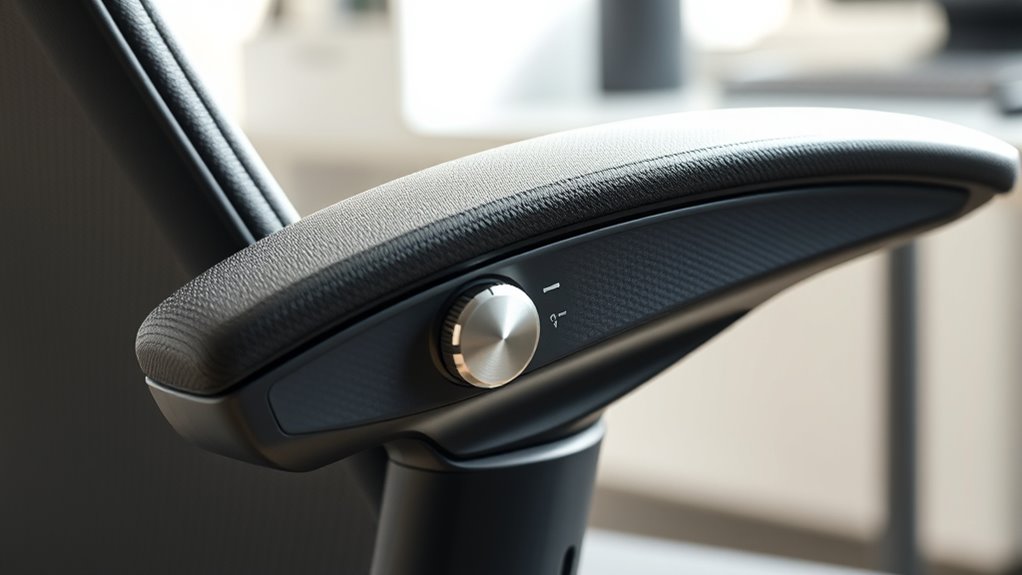
Once you’ve set the width and depth of your armrests, fine-tuning their angle and pivot becomes essential for maintaining a natural, ergonomic posture. Adjust the tilt so your forearms rest comfortably without pushing your shoulders upward or causing strain. The ideal angle usually tilts slightly outward, aligning with your elbows’ natural position. Check if the armrests support your arms without forcing your shoulders to hunch or droop. Pivot the armrests inward or outward as needed to match your natural arm sweep. Small adjustments can make a big difference in reducing tension and promoting better posture. Remember, the goal is to keep your forearms parallel to the ground and your shoulders relaxed, ensuring comfort during long periods of sitting.
Tips for Maintaining and Checking Armrest Alignment
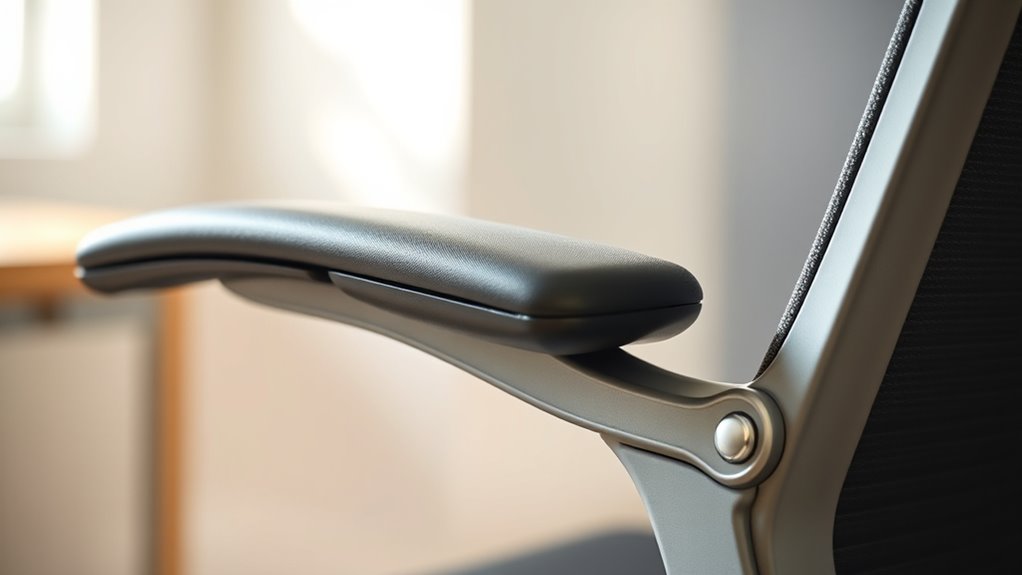
To keep your armrests properly aligned, you should regularly check their position and make adjustments as needed. Pay attention to the height and ensure both armrests are evenly spaced for balanced support. Keeping up with these simple steps helps prevent discomfort and maintains ideal ergonomics.
Regular Alignment Checks
Regularly checking your armrest alignment guarantees it stays comfortable and functional over time. It’s easy to overlook, but consistent inspections help prevent discomfort and damage. To keep things in top shape:
- Visual Inspection: Look for uneven gaps or wobbling that signal misalignment.
- Feel for Stability: Press gently on the armrests to detect looseness or instability.
- Test Comfort: Sit and evaluate if your arms rest naturally without strain.
Perform these checks weekly or after any significant movement. Staying proactive ensures your armrests support you properly, reducing fatigue and discomfort. Remember, small adjustments early on save you from bigger issues later. Keeping your armrests aligned isn’t just about comfort—it’s about maintaining the overall health of your workspace. Stay vigilant, and your chair will serve you better longer.
Adjusting Armrest Height
Ensuring your armrests are at the correct height is key to maintaining comfort and preventing strain during long hours at your desk. To adjust them, locate the adjustment mechanism—usually a lever or button underneath or on the side of the armrest. Lift or press it while gently raising or lowering the armrest to your desired height. Release the mechanism to lock it in place. Check that both armrests are level and support your arms comfortably, with shoulders relaxed and elbows at a roughly 90-degree angle. Periodically revisit the height, especially if you notice discomfort or after moving your chair. Properly adjusted armrests help reduce shoulder tension and encourage good posture, making your workspace more ergonomic and comfortable.
Ensuring Even Spacing
Having your armrests aligned evenly creates a balanced and comfortable workspace. To guarantee this, check their spacing regularly. First, measure the distance between both armrests using a ruler or tape measure to confirm they’re equal. Second, adjust the armrests if you notice any imbalance, ensuring they’re parallel to each other. Third, test your setup by sitting down and resting your arms; they should feel natural and supported without leaning or straining. Maintaining even spacing helps prevent discomfort and promotes good posture. A quick weekly check can save you from long-term strain and discomfort. Remember, consistent alignment isn’t just about aesthetics—it’s about creating a workspace that feels right and supports your productivity.
Integrating Armrest Adjustments With Overall Workspace Ergonomics

To optimize your workspace, make sure your armrest height aligns comfortably with your desk and chair height. Coordinating armrest position with your overall setup helps prevent strain and promotes good posture. When these adjustments work together, you create a more ergonomic environment that supports your productivity and comfort.
Aligning Armrest Height
Aligning your armrest height with your overall workspace ergonomics is essential for reducing strain and maintaining comfort throughout your workday. When your armrests are properly adjusted, you’ll experience less shoulder tension, minimized wrist stress, and improved posture. To get it right:
- Set your armrests so they gently support your forearms, keeping elbows close to your sides.
- Ensure your shoulders stay relaxed, not hunched or elevated.
- Confirm your wrists remain in a neutral position, avoiding bending or twisting.
Proper alignment creates a seamless connection between your arms, shoulders, and spine, preventing fatigue and discomfort. When your armrests are dialed in, you foster a healthier, more comfortable workspace that encourages productivity and reduces the risk of injury.
Coordinating Armrest Position
Integrating your armrest position with your overall workspace ergonomics guarantees that every element works together to support comfort and productivity. Proper coordination ensures your arms, shoulders, and wrists are aligned naturally, reducing strain. Adjust your armrests so they’re level with your desk height and close enough to support your elbows comfortably. Keep your monitor at eye level to prevent neck strain, and position your keyboard and mouse within easy reach. Use the table below to visualize key adjustments:
| Adjustment Focus | Ergonomic Goal |
|---|---|
| Armrest height | Elbows at 90°, relaxed |
| Armrest depth | Support forearms without hunching |
| Armrest width | Keep shoulders relaxed |
| Desk height | Maintain neutral wrist position |
| Monitor position | Align with eye level |
Troubleshooting Common Issues and Ensuring Long-Term Comfort
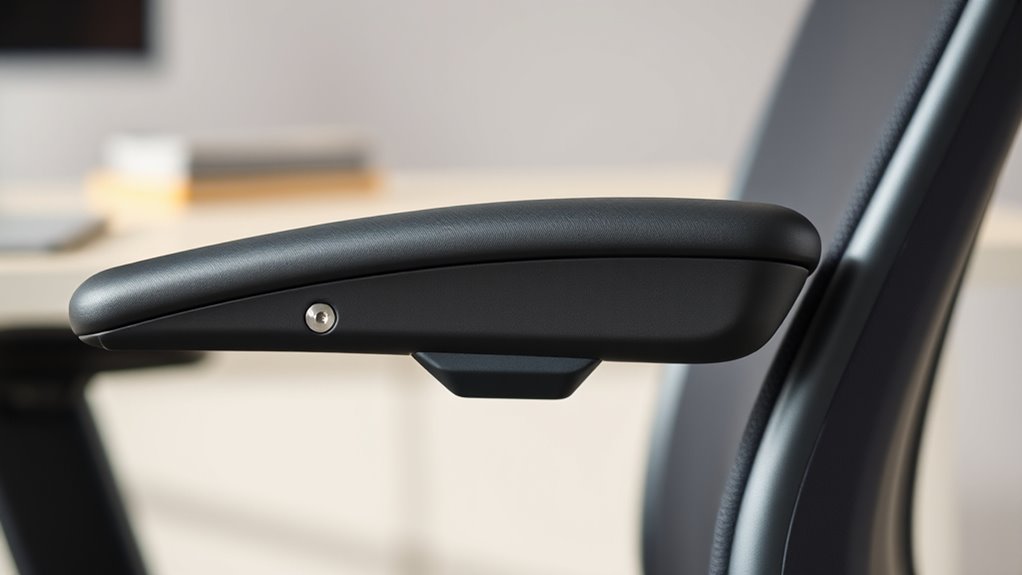
If your armrests aren’t providing the support you need, addressing common issues quickly can prevent long-term discomfort. First, check if they’re too high or low—adjust them to align with your elbows for natural support. Second, ensure they’re not loose or wobbling; tighten or replace parts if necessary. Third, evaluate if they’re causing pressure or numbness; add padding or switch to softer materials. Taking these steps restores comfort and prevents strain from worsening. Remember, small adjustments can make a big difference in your posture and overall well-being. Don’t ignore persistent problems—acting promptly keeps your workspace ergonomic and your body happy for the long haul. Proper armrest support is essential for sustained comfort and productivity.
Frequently Asked Questions
How Often Should I Re-Evaluate My Armrest Settings?
You should re-evaluate your armrest settings whenever you notice discomfort or after significant changes in your workspace or posture. Regularly check and adjust them at least once a month to guarantee proper support. If your work habits or chair positioning change, re-assess more frequently. Keeping your armrests dialed in helps prevent strain and maintains comfort, so stay attentive and adjust as needed to stay ergonomic.
Can Incorrect Armrest Positioning Cause Long-Term Health Issues?
Think of your body as a finely tuned instrument; incorrect armrest positioning can create discord over time. If your armrests are too high or low, they strain your shoulders and neck, potentially causing chronic discomfort or misalignment. Long-term, this misfit can lead to repetitive strain injuries or joint issues. So, regularly fine-tune their placement, ensuring harmony and preventing health issues before they become difficult to undo.
Are There Specific Armrest Features Recommended for Different Body Types?
Yes, different body types benefit from specific armrest features. If you’re taller, look for adjustable height and width to support your shoulders comfortably. For broader frames, choose wider, cushioned armrests that reduce pressure. If you have a smaller build, opt for slimmer, adjustable armrests to prevent strain. Prioritize features like height, width, and padding to guarantee your armrests support your posture and prevent discomfort during long hours of sitting.
How Do I Adjust Armrests When Using a Standing Desk?
When using a standing desk, you should adjust your armrests so your elbows are at a 90-degree angle and your shoulders are relaxed. For example, imagine you’re typing after raising your desk; lower the armrests slightly to keep your arms supported without hunching your shoulders. Make sure the armrests support your forearms comfortably, avoiding strain, and check that they don’t interfere with your movement or standing posture.
What Signs Indicate My Armrests Are Improperly Aligned?
You’ll notice discomfort or strain in your shoulders, neck, or arms if your armrests are improperly aligned. If your elbows don’t rest at a 90-degree angle or your forearms aren’t supported comfortably, it’s a sign they need adjusting. Also, if your shoulders are hunched or you experience pinching sensations, your armrests might be too high or too low. Proper alignment promotes comfort and prevents strain during your workday.
Conclusion
Think of your armrests as the steering wheel of your comfort zone—they guide your posture and keep fatigue at bay. When you dial them in like a pro, you’re steering your workspace toward harmony and ease. Regular adjustments are your compass, ensuring long-term comfort and support. So, don’t just settle for static—they’re your trusty crew in the journey to a healthier, more comfortable workday. Keep them aligned, and enjoy the smooth ride.
Fall Picks
fall essentials
As an affiliate, we earn on qualifying purchases.