If your eyes feel strained, it’s often caused by poor contrast rather than just screen brightness. When contrast is too low, your eyes struggle to distinguish shapes and text, making them work harder and causing fatigue. Too much contrast can also be uncomfortable, so finding the right balance is key. Adjusting your display’s contrast settings can markedly reduce eye effort and discomfort. Keep exploring to discover simple ways to protect your vision during screen time.

Get comfort and recovery gear delivered free — and shop member deals
- Fast, free delivery on millions of items
- Access to Prime Big Deal Days deals on October 6–7
- Prime Video, Amazon Music and more included
Key Takeaways
- Eye strain often results from improper contrast levels, not just excessive screen brightness.
- Low contrast makes content harder to distinguish, increasing visual effort and fatigue.
- High contrast can also cause discomfort if it overwhelms the eyes, so balance is key.
- Adjusting contrast improves clarity, reducing the need for the eyes to work harder.
- Optimizing contrast and color schemes helps prevent prolonged visual fatigue during screen use.
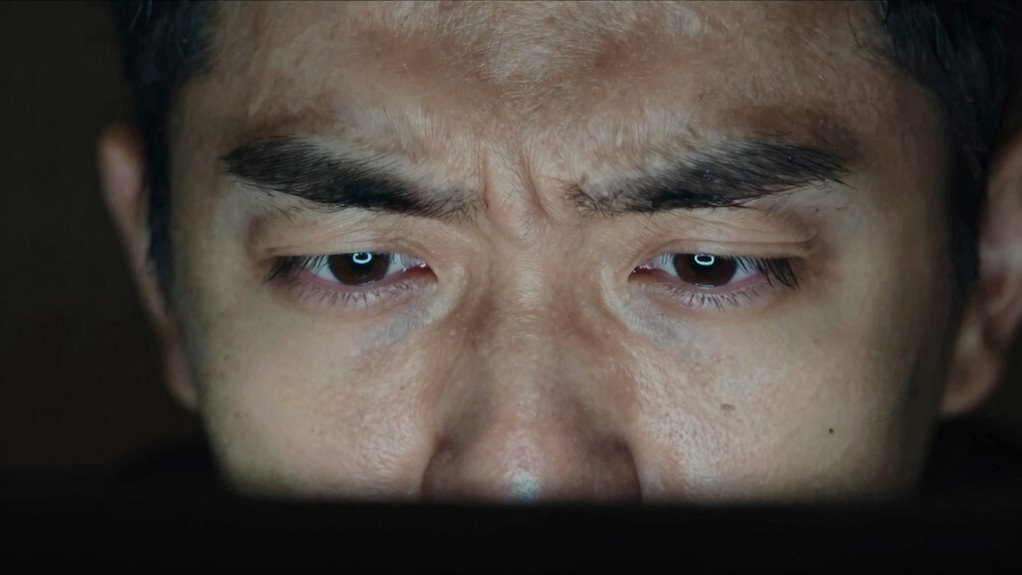
Have you ever felt eye strain even when the screen isn’t particularly bright? It’s a common experience that can leave you feeling exhausted without any obvious reason. Often, this discomfort isn’t just about brightness levels but relates to the contrast your eyes are trying to process. When screens display images or text with poor contrast, your eyes have to work harder to distinguish shapes, colors, and details. This constant effort can lead to visual fatigue, a feeling of tiredness and strain that builds up over time. You might notice that even if the screen looks okay to you, your eyes are still struggling to perceive the content clearly.
Poor contrast on screens can cause eye fatigue even without brightness issues. Adjust settings for comfort and clarity.
One key factor behind this struggle is how your eyes perceive color and contrast. Your visual system relies heavily on differences in luminance and color to interpret what’s on the screen. When contrast is too low, the edges of text or images blur into the background, forcing your eyes to make extra adjustments. Conversely, when contrast is too high, your eyes might feel overwhelmed by the stark differences, causing discomfort. Proper contrast levels help your eyes distinguish objects effortlessly, reducing the effort needed for visual perception. If the contrast isn’t optimized, your eyes constantly shift focus, leading to visual fatigue and even headaches. It’s also important to consider how visual perception varies among individuals, which can influence how sensitive someone is to contrast levels.
It’s not just about the brightness of your screen, but how well the content contrasts with its background. For example, reading white text on a light gray background may seem okay at first, but over time, your eyes will strain to differentiate the text from the background. Switching to a higher-contrast setup—like black text on a white background—can significantly reduce this strain. Adjusting your display settings to enhance contrast ensures your eyes don’t have to compensate for poor differentiation. Also, be mindful of color perception. Some color combinations can cause more fatigue, especially if they’re difficult for your eyes to differentiate or cause color blending. Opt for color schemes that enhance clarity and reduce the effort your eyes need to make to interpret on-screen content.
In the end, it’s about creating an environment where your eyes don’t have to work so hard to perceive what’s in front of them. By paying attention to contrast and color perception, you can minimize visual fatigue and make your screen time more comfortable. Small adjustments—like tweaking contrast settings, choosing better color schemes, or reducing unnecessary visual clutter—can make a big difference. Remember, your eyes are designed to process visual information efficiently, but they need your help to do so without strain. Taking these steps ensures you protect your vision and reduce discomfort during long hours in front of screens.
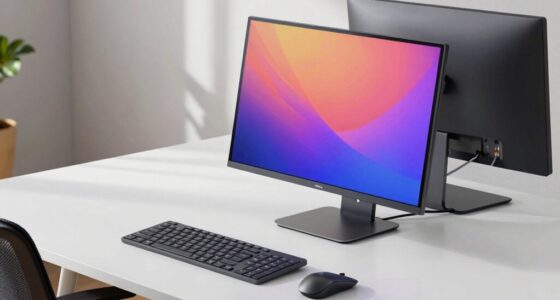
adjustable monitor contrast settings
As an affiliate, we earn on qualifying purchases.
As an affiliate, we earn on qualifying purchases.
Frequently Asked Questions
How Does Contrast Affect Eye Strain Compared to Brightness Alone?
Contrast impacts your eye strain more than brightness alone because it influences how your eyes perceive color and detail. When contrast is low, your eyes work harder to distinguish objects, increasing visual sensitivity and fatigue. Higher contrast makes images clearer and reduces strain by easing color perception and detail recognition. So, adjusting contrast levels helps prevent eye fatigue, whereas brightness alone doesn’t address the subtle visual challenges your eyes face during prolonged screen time.
Can Adjusting Contrast Improve Visual Comfort During Screen Time?
Adjusting contrast can definitely improve your visual comfort during screen time by enhancing color perception and reducing eye strain. When you calibrate your screen properly, you create a balanced display that minimizes the effort your eyes need to distinguish elements clearly. By fine-tuning contrast, you make text and images easier to see, which helps reduce fatigue and keeps your eyes from working too hard, especially during long periods of use.
Are Certain Colors More Likely to Cause Eye Fatigue?
Certain colors can cause more eye fatigue, especially if they clash with your environment or strain your eyes. Bright, highly saturated hues like neon can overwhelm your visual perception, while softer, muted shades tend to soothe your sight. When it comes to color perception and environmental lighting, choosing colors that harmonize with your surroundings helps prevent fatigue. Adjust your display and lighting to lessen strain and keep your eyes energized and comfortable.
What Are Practical Ways to Reduce Contrast Issues in Daily Life?
To reduce contrast issues daily, incorporate color therapy by using softer, calming hues on screens and walls. Adjust ambient lighting to create a balanced environment, avoiding harsh glare. Use task lighting to illuminate specific areas without overwhelming your eyes. Also, take regular breaks to rest your eyes. These steps help minimize contrast strain, making tasks more comfortable and reducing eye fatigue over time.
How Does Contrast Impact People With Visual Impairments?
Have you considered how contrast affects those with visual impairments? For them, poor contrast perception and color sensitivity make it harder to distinguish objects, especially in complex or low-light environments. This can lead to increased difficulty moving through spaces safely. You can assist by ensuring high contrast in signage and lighting, making details clearer. Isn’t it essential to create environments that accommodate diverse visual needs, so everyone can see clearly and move confidently?
As an affiliate, we earn on qualifying purchases.
Conclusion
So, next time your eyes feel strained, don’t just turn down the brightness. Instead, check the contrast levels—high contrast can make your eyes work harder than they need to. Recent studies suggest that excessive contrast, not just brightness, causes eye fatigue. By adjusting both, you can give your eyes a break and improve comfort. Remember, small changes can make a big difference in reducing eye strain and keeping your vision sharp.
ergonomic computer monitor with high contrast
As an affiliate, we earn on qualifying purchases.
As an affiliate, we earn on qualifying purchases.
screen contrast calibration tool
As an affiliate, we earn on qualifying purchases.
As an affiliate, we earn on qualifying purchases.
Evergreen bestsellers Picks
bestsellers
As an affiliate, we earn on qualifying purchases.