
HDCP is a digital copy-protection technology that encrypts audio and video signals to prevent unauthorized copying during streaming or device connections. It checks if all devices support content protection standards and blocks protected content if any device lacks compliance. This helps stop piracy and illegal sharing of high-definition content, safeguarding the rights of creators. To understand how HDCP keeps your streams secure and what it means for your devices, keep exploring further.

Get comfort and recovery gear delivered free — and shop member deals
- Fast, free delivery on millions of items
- Access to Prime Big Deal Days deals on October 6–7
- Prime Video, Amazon Music and more included
Key Takeaways
- HDCP is a digital copy-protection protocol that secures high-definition content during transmission to prevent piracy.
- It verifies device compatibility and blocks content if any connected device lacks HDCP support.
- HDCP prevents unauthorized recording, copying, and interception of protected digital media streams.
- Embedded in HDMI, DisplayPort, and DVI, HDCP ensures content rights are maintained across devices.
- It operates automatically during device connections to safeguard digital content without user intervention.
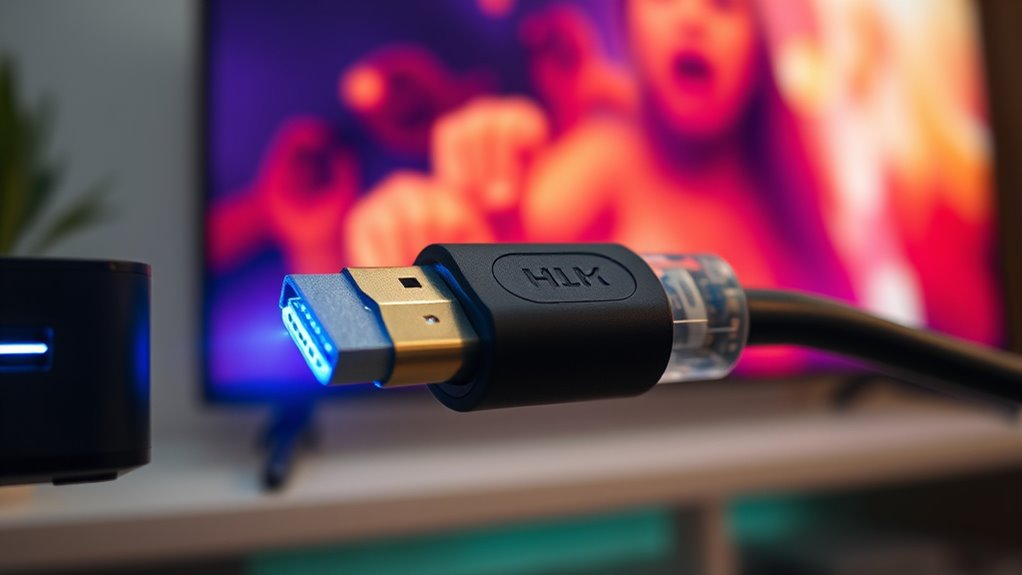
Have you ever wondered how digital content stays secure when transmitted between devices? When you’re streaming a movie or playing a game, there’s a lot riding on making sure that content remains protected from unauthorized copying or interception. That’s where HDCP, or High-bandwidth Digital Content Protection, comes into play. It’s a technology designed to uphold digital rights and ensure content security during transmission. Without HDCP, digital signals could be intercepted or copied easily, risking piracy and copyright infringement. So, HDCP acts as a safeguard, preventing unauthorized recording or distribution of protected content as it travels from your device to your display or audio system.
When you connect your streaming device, computer, or game console to a TV or monitor, HDCP verifies that all connected devices support the content protection standards. If any device in the chain doesn’t comply, the protected content simply won’t display. This verification process helps maintain the integrity of digital rights, ensuring that only authorized devices can access the content. It’s an active form of content security that works behind the scenes, automatically negotiating the connection to prevent potential leaks or illegal recordings. This means that if someone tries to intercept the signal with a non-HDCP-compliant device, they’ll find that the content is blocked or blanked out, effectively stopping unauthorized copying.
HDCP isn’t just about stopping pirates; it’s also about respecting the rights of creators, studios, and rights holders. They invest heavily in producing quality content, and HDCP helps protect their investments by reducing the risk of illegal sharing. This technology is embedded into various digital interfaces like HDMI, DisplayPort, and DVI, which are common connection standards for high-definition devices. When you plug in your devices, HDCP ensures that the content remains secure throughout the entire transmission process. Even if you’re just streaming a high-definition movie or sharing a professional presentation, HDCP keeps that content safe from accidental or malicious interception.
In essence, HDCP is a critical part of the digital ecosystem that balances the ease of high-quality content delivery with the need to protect digital rights. It works seamlessly to keep your digital transmissions secure, giving content creators and rights holders peace of mind. While it might seem invisible or automatic during your setup, it plays a vital role in maintaining content security across countless devices and connections. Without HDCP, the risk of piracy would skyrocket, making it harder for legitimate content to reach viewers like you without compromise.
As an affiliate, we earn on qualifying purchases.
Frequently Asked Questions
Can HDCP Be Bypassed Legally?
You can’t bypass HDCP legally because doing so contravenes digital rights and content protection laws. HDCP is designed to prevent copying and unauthorized distribution of protected content, so attempting to bypass it could lead to legal consequences. Instead, respect the content protection measures in place, and ensure your devices and streaming setups comply with digital rights management. Staying within legal boundaries helps protect creators’ rights and supports the content industry.
How Does HDCP Affect Gaming Consoles?
Imagine you’re in a world of digital rights, like a knight guarding a castle. HDCP affects your gaming consoles by requiring HDCP licensing to prevent unauthorized copying. When you connect your console to a display, HDCP enforces protection, which can sometimes cause issues if the device doesn’t support it. This guarantees your gameplay content stays secure, but it might limit how you share or record your gaming.
Are There Any Devices Incompatible With HDCP?
Yes, some devices are incompatible with HDCP due to device compatibility issues and HDCP restrictions. You might encounter problems when connecting older TVs, capture cards, or certain gaming consoles that don’t support HDCP. To avoid issues, check your device specifications for HDCP support before connecting. If a device lacks compatibility, HDCP restrictions can prevent content from displaying or recording, so always verify compatibility to guarantee smooth streaming or gameplay.
What Are Common HDCP Error Messages?
Imagine a locked door blocking your view—that’s what common HDCP error messages do. You might see “HDCP error,” “No signal,” or “Unsupported device,” which signal HDCP issues. For troubleshooting, check connections, update firmware, or switch cables. These error code solutions often resolve problems quickly, letting you enjoy seamless streaming. Recognizing these messages helps you pinpoint HDCP troubles and restore your viewing experience with minimal hassle.
How Does HDCP Impact Future Streaming Technologies?
HDCP will likely tighten content restrictions and protect intellectual property as streaming evolves, making it harder for unauthorized devices to access protected content. You might see more advanced encryption methods to prevent copying, which could impact device compatibility and user experience. Future streaming tech will focus on balancing security with ease of use, ensuring that content remains protected while still allowing legitimate viewers to enjoy seamless playback.
DisplayPort HDCP compliant adapter
As an affiliate, we earn on qualifying purchases.
As an affiliate, we earn on qualifying purchases.
Conclusion
So, next time you’re frustrated by HDCP blocking your favorite stream, just remember—it’s all about protecting content, even if it means frustrating you. Ironically, this copy protection often ends up limiting your own viewing experience more than preventing piracy. So, enjoy your streaming freedom while it lasts, because sometimes, what’s meant to protect can also serve as a convenient excuse to keep you from watching what you love. Welcome to the digital paradox.
As an affiliate, we earn on qualifying purchases.
As an affiliate, we earn on qualifying purchases.
Fall Picks
fall essentials
As an affiliate, we earn on qualifying purchases.