Instead of chasing specs like high resolution or fast refresh rates, focus on matching your display to your specific work needs. Think about your tasks, lighting environment, and ergonomic comfort to choose a monitor that enhances accuracy and reduces fatigue. Proper setup and features like color accuracy or adjustable height make a real difference. If you keep this approach in mind, you’ll find the right display—for your work and your comfort. Keep exploring to learn how to customize your setup effectively.

Get comfort and recovery gear delivered free — and shop member deals
- Fast, free delivery on millions of items
- Access to Prime Big Deal Days deals on October 6–7
- Prime Video, Amazon Music and more included
Key Takeaways
- Focus on ergonomic setup and proper positioning to enhance comfort and reduce fatigue, rather than solely chasing high specs.
- Choose displays with features aligned to your tasks, such as color accuracy for design or high resolution for photo editing.
- Consider your work environment, lighting, and task-specific needs to select the most suitable display technology.
- Prioritize display calibration and ergonomic adjustments to maintain accuracy and comfort over time.
- Avoid overemphasizing specs; instead, match display capabilities to actual workflow requirements for better productivity.
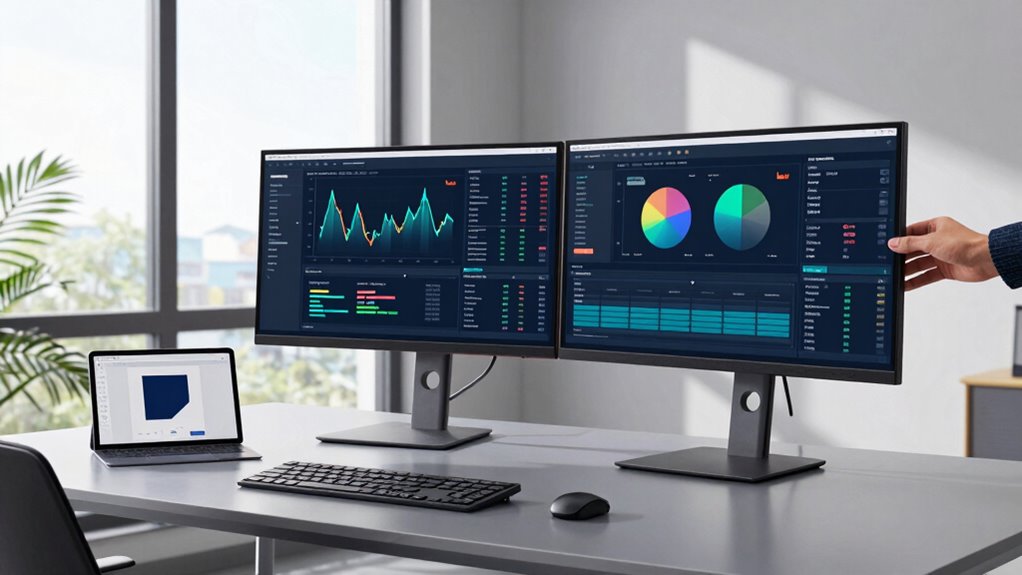
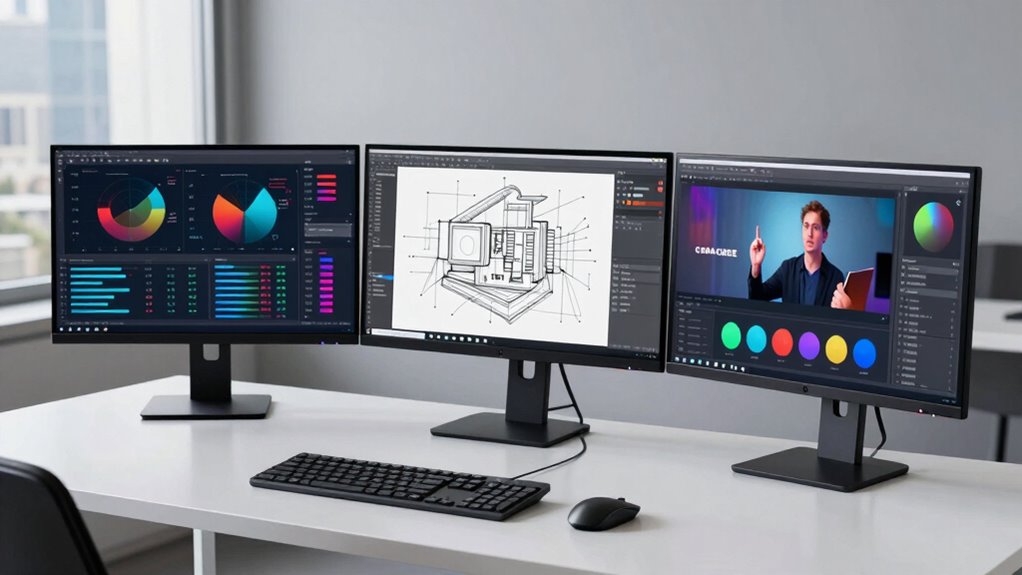
Have you ever wondered if your display setup truly supports your work needs? It’s easy to get caught up in chasing the latest specs—bigger screens, higher resolutions, faster refresh rates—thinking they’ll automatically boost your productivity or creativity. But the truth is, the most vital factor isn’t just raw numbers; it’s how well your display aligns with what you do daily. Instead of fixating on specs, focus on matching your display to your tasks. An ergonomic setup isn’t just about comfort; it’s about creating a workspace that minimizes strain and maximizes efficiency. When your monitor is positioned correctly—at eye level, with the right height and distance—you reduce neck and eye fatigue, which helps you work longer and more comfortably. This isn’t just about comfort; it’s about maintaining focus and preventing discomfort from becoming a distraction. Proper display setup can also improve your overall productivity by reducing the need for adjustments or corrections later on. Color accuracy plays a fundamental role if your work involves visual design, photo editing, video production, or any task where color fidelity matters. A display that offers true-to-life color reproduction ensures your work looks consistent across different devices and when printed. Investing in a monitor with good color accuracy might seem like a luxury, but it’s vital if your results need precision. When you match your display to your specific needs, you avoid wasting time correcting color issues later or second-guessing your choices. Instead, you can trust that what you see on screen accurately represents your work, streamlining your workflow. Understanding your work environment and how lighting conditions affect your display can also be crucial in selecting the right monitor. Matching your display to your tasks also means considering the type of work you do. If you handle detailed graphic design, you’ll benefit from a monitor with high resolution and accurate color reproduction. For general office tasks, a standard display with good ergonomics might be sufficient. Video editors need a display with high dynamic range and precise color calibration, while programmers often prefer screens that reduce eye strain and provide ample workspace. By understanding what your tasks require, you can select a monitor that enhances your productivity without unnecessary bells and whistles. Additionally, being aware of display technology can help you choose a device that offers the best features for your specific needs, ensuring longevity and consistent performance. Recognizing the importance of ergonomics in display setup can significantly impact your comfort and efficiency over long working hours. It’s also helpful to consider monitor calibration tools to ensure your display maintains optimal color accuracy over time. Ultimately, it’s about aligning your display setup with your workflow, not just chasing the latest technological trends. An ergonomic setup keeps you comfortable and focused, while high color accuracy ensures your work is visually reliable. When you choose a display based on what you actually need, you create a workspace that supports your goals, boosts your efficiency, and reduces frustration. Stop chasing specs for their own sake—start matching your displays to your tasks, and watch your work quality and comfort improve.
ergonomic adjustable monitor stand
As an affiliate, we earn on qualifying purchases.
As an affiliate, we earn on qualifying purchases.
Frequently Asked Questions
How Do I Determine the Right Display Size for My Workspace?
To determine the right display size for your workspace, consider your ergonomic setup and the tasks you’ll perform. A larger screen may boost productivity for multitasking, but make certain it fits comfortably within your space. Use appropriate mounting solutions to position your display at eye level, reducing strain. Measure your desk and viewing distance, choosing a size that feels natural and minimizes neck or eye discomfort while supporting your work needs effectively.
What Are the Best Color Accuracy Options for Creative Work?
Think of color accuracy options as your creative compass. You should prioritize displays with excellent color calibration and support for professional color spaces like Adobe RGB or DCI-P3. These guarantee your colors are true to life, vital for editing photos or videos. Look for monitors with factory calibration and wide color gamut support, so your work remains consistent and vibrant across different projects.
How Does Refresh Rate Impact Gaming Versus Professional Tasks?
A higher refresh rate reduces motion blur and input lag, making gaming smoother and more responsive, especially in fast-paced scenes. For professional tasks like video editing or design, a standard or slightly higher refresh rate helps guarantee consistent visuals without unnecessary motion artifacts. While gaming benefits from 120Hz or higher, professional work often prioritizes color accuracy and stability over ultra-high refresh rates, so choose based on your primary use.
What Connectivity Options Should I Consider for Multiple Displays?
To connect multiple displays seamlessly, you should consider wireless connectivity options like Wi-Fi or Miracast for a clutter-free setup. Docking stations also play a vital role, offering multiple video outputs—HDMI, DisplayPort, or USB-C—that make switching between displays effortless. These choices guarantee your workspace remains flexible, efficient, and ready for any task, whether gaming marathons or professional projects. Don’t overlook the power of reliable connectivity; it transforms your experience entirely.
Are There Budget-Friendly Displays That Still Match Specific Tasks?
Yes, there are affordable monitors that suit specific tasks. Look for task-specific displays designed for your needs, like budget-friendly options for basic office work or multimedia viewing. These affordable monitors often come with essential features without extra costs. Focus on matching features like resolution, refresh rate, and connectivity to your task requirements. This way, you get a display that performs well without overspending, ensuring you meet your needs efficiently.
color accurate professional monitor
As an affiliate, we earn on qualifying purchases.
As an affiliate, we earn on qualifying purchases.
Conclusion
Don’t let specs drown out your true needs. Picture your ideal workspace: a sleek monitor that seamlessly adapts to your tasks, whether editing photos or crunching numbers. When you match displays to your work, you craft a visual canvas that empowers your creativity and boosts productivity. Stop chasing specs—start matching displays to tasks. Your perfect setup isn’t just a screen; it’s the window through which your ideas come alive, clear and vibrant.
high resolution photo editing monitor
As an affiliate, we earn on qualifying purchases.
As an affiliate, we earn on qualifying purchases.
As an affiliate, we earn on qualifying purchases.
Fall Picks
fall essentials
As an affiliate, we earn on qualifying purchases.