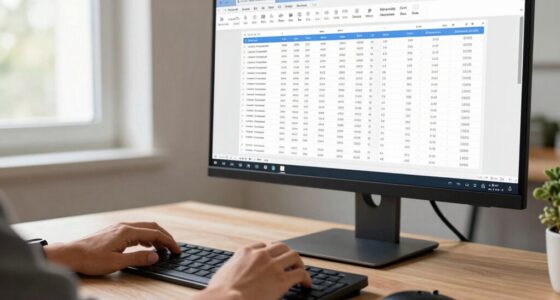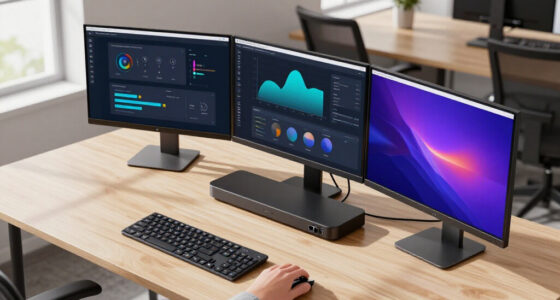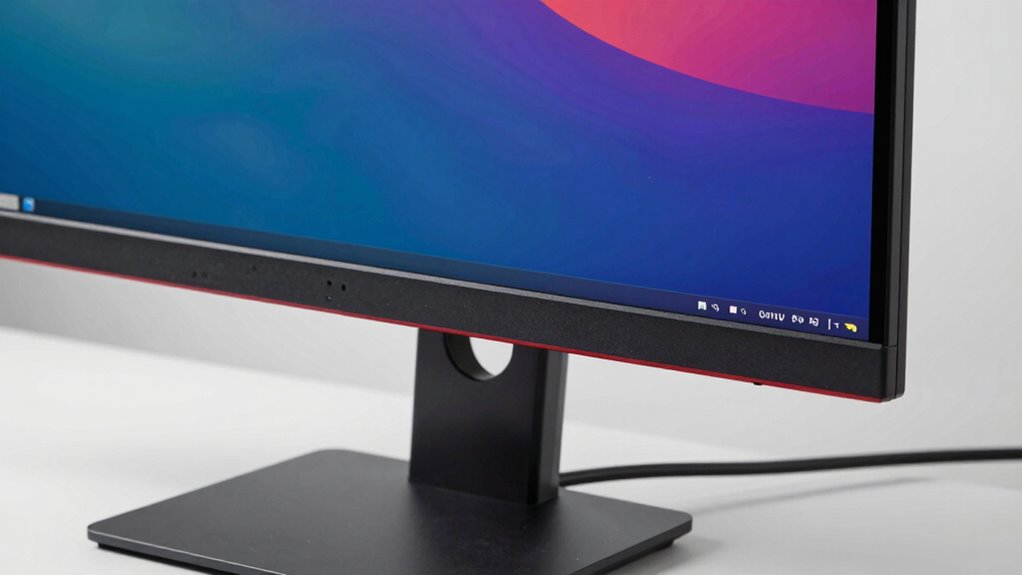

Your monitor angle matters more than you think because it directly affects your comfort, posture, and eye health. When your screen isn’t properly tilted or positioned, you may find yourself leaning forward, craning your neck, or experiencing eye strain and headaches. Correct angle adjustments help keep your neck in a natural position and eyes relaxed, reducing fatigue over time. Keep exploring to discover how small changes can make a big difference for your well-being.

Get comfort and recovery gear delivered free — and shop member deals
- Fast, free delivery on millions of items
- Access to Prime Big Deal Days deals on October 6–7
- Prime Video, Amazon Music and more included
Key Takeaways
- Proper monitor angle reduces neck strain by maintaining a neutral and ergonomic head position.
- Correct tilt minimizes eye fatigue by aligning the screen with your eye level and reducing refocusing effort.
- Adjusting the monitor angle prevents awkward postures that cause muscular discomfort over time.
- Optimal positioning decreases glare and reflections, enhancing visual comfort and reducing eye strain.
- Small adjustments in monitor angle can significantly improve overall ergonomic health and work productivity.
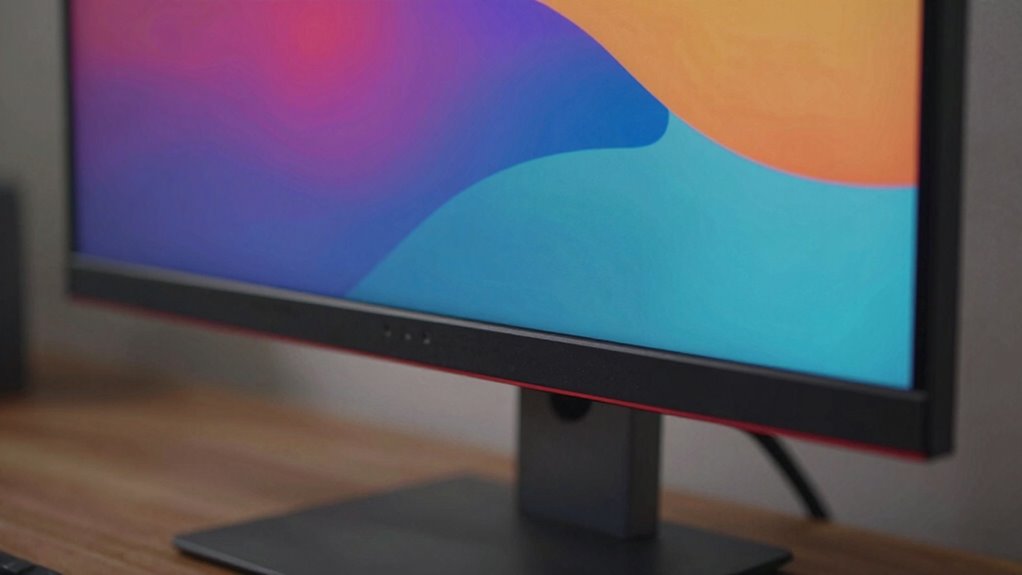
Have you ever noticed how your neck feels after long hours at the computer? That discomfort often stems from more than just fatigue — it’s closely linked to your monitor’s angle. When your monitor isn’t positioned correctly, it can force you into awkward postures, disrupting your ergonomic posture. A poorly angled screen can cause you to crane your neck or lean forward, putting unnecessary strain on your neck muscles and leading to pain over time. But beyond neck discomfort, the monitor angle also plays a crucial role in reducing eye strain, which many people underestimate.
When your monitor isn’t facing you directly or is tilted too far away or too close, your eyes have to work harder to focus. This extra effort can lead to eye strain, characterized by dryness, headaches, blurred vision, and fatigue. If you find yourself blinking less often or feeling discomfort after long periods of screen time, consider how your monitor’s angle might be contributing. An optimal monitor angle allows your eyes to stay relaxed and aligned with the top of the screen, minimizing the need for constant refocusing. This not only relieves eye strain but also helps you maintain better concentration and comfort during work sessions.
Adjusting your monitor’s angle might seem minor, but it has a significant impact. The ideal setup typically has the top of the screen at or just below eye level, with a slight tilt that faces your eyes directly. When you position the monitor correctly, you don’t have to tilt your head up or down excessively, which helps keep your neck in a neutral, ergonomic posture. This alignment reduces muscular strain and allows you to sit comfortably for longer periods, boosting productivity and decreasing the risk of repetitive strain injuries. Furthermore, the monitor angle can influence how well you see details on the screen, especially if you work on detailed graphics, spreadsheets, or text-heavy documents. A slight tilt ensures that the entire screen is evenly lit and visible, reducing glare and reflections that worsen eye strain. Maintaining a proper angle also encourages good habits, like taking regular breaks and adjusting your posture, which are essential for overall ergonomic health.
In essence, the angle of your monitor isn’t just about comfort; it’s about protecting your body and eyes from cumulative stress. Small adjustments can make a big difference in how you feel after hours at your desk. So next time you’re setting up your workspace, pay close attention to your monitor’s angle — your neck, eyes, and overall well-being will thank you. Proper monitor positioning can significantly prevent discomfort and promote better health.
As an affiliate, we earn on qualifying purchases.
Frequently Asked Questions
How Does Monitor Angle Affect Eye Strain During Long Hours?
If you don’t adjust your monitor angle properly, you’ll likely experience more eye fatigue during long hours. A monitor that’s too high or low forces your eyes to strain, reducing visual comfort. By setting the screen at eye level and a slight tilt, you minimize unnecessary eye movement and glare. This improves overall comfort, helps prevent eye strain, and keeps your focus sharper during extended work sessions.
What Is the Ideal Monitor Angle for Ergonomic Comfort?
Imagine a knight adjusting his visor—your monitor should sit at a slightly downward angle, about 10 to 20 degrees, for ergonomic comfort. Use adjustable mounts or ergonomic accessories to achieve this. The top of your screen should be at or just below eye level, reducing strain. Keep your neck straight, and guarantee the monitor is about an arm’s length away for ideal comfort and posture during long hours.
Can Incorrect Monitor Angles Cause Posture Issues?
Incorrect monitor angles can definitely cause posture issues, leading to neck and back pain over time. When your monitor isn’t aligned properly, you tend to lean forward or strain your neck, which affects your overall posture. A well-adjusted monitor supports better ergonomics, helping you maintain a healthy desk setup. Also, keep in mind that proper color calibration and monitor positioning can reduce eye strain, further promoting comfortable, sustained work sessions.
How Does Monitor Angle Influence Screen Glare and Reflections?
Did you know that improper monitor tilt can reduce glare by up to 80%? When you adjust your monitor tilt, you optimize screen orientation, minimizing reflections from lights and windows. A slight downward angle often works best, reducing reflections and eye strain. So, pay attention to your monitor’s tilt—making small adjustments can greatly improve visibility and comfort, preventing glare and reflections from disrupting your focus.
Does Monitor Angle Impact Color Accuracy and Image Quality?
Yes, monitor angle impacts color accuracy and image quality. When you adjust the angle, it affects your viewing distance and the way light reflects off the screen, which can distort colors. For precise color calibration, you need to maintain a consistent angle to guarantee true color representation. Proper positioning minimizes color shifts and enhances your overall viewing experience, especially during detailed tasks like photo editing or graphic design.
As an affiliate, we earn on qualifying purchases.
Conclusion
So, next time you sit down at your desk, think about that subtle tilt of your monitor. Just a slight adjustment could be the difference between eye strain and comfort, focus and distraction. Imagine your screen perfectly aligned—your eyes effortlessly gliding across, your neck relaxed. Small changes can uncover a world of clarity and ease. Are you ready to discover what’s been hiding in plain sight? The right angle might just change everything—if you’re willing to look closer.
monitor tilt and height adjustment
As an affiliate, we earn on qualifying purchases.
As an affiliate, we earn on qualifying purchases.
As an affiliate, we earn on qualifying purchases.
Fall Picks
fall essentials
As an affiliate, we earn on qualifying purchases.