
If you’re seeking better productivity, consider how curved and flat screens align with your work needs. Curved screens reduce eye and neck strain by wrapping around your view, ideal for long sessions and immersive tasks like gaming or video editing. Flat screens offer sharper visuals and fewer distortions, making them better for detailed work such as graphic design or data analysis. To make the best choice, understanding your workspace setup and personal preferences is key—stay with us to explore more.
Key Takeaways
- Curved screens reduce eye and head movement, promoting ergonomic comfort during extended use.
- Flat screens provide consistent image quality, ideal for precise visual tasks like graphic design.
- Curved displays enhance immersion and focus, beneficial for multitasking and creative work.
- Flat screens are easier to position, mount, and integrate with multi-monitor setups for versatility.
- Choose based on individual preferences, workspace setup, and specific task requirements for optimal productivity.
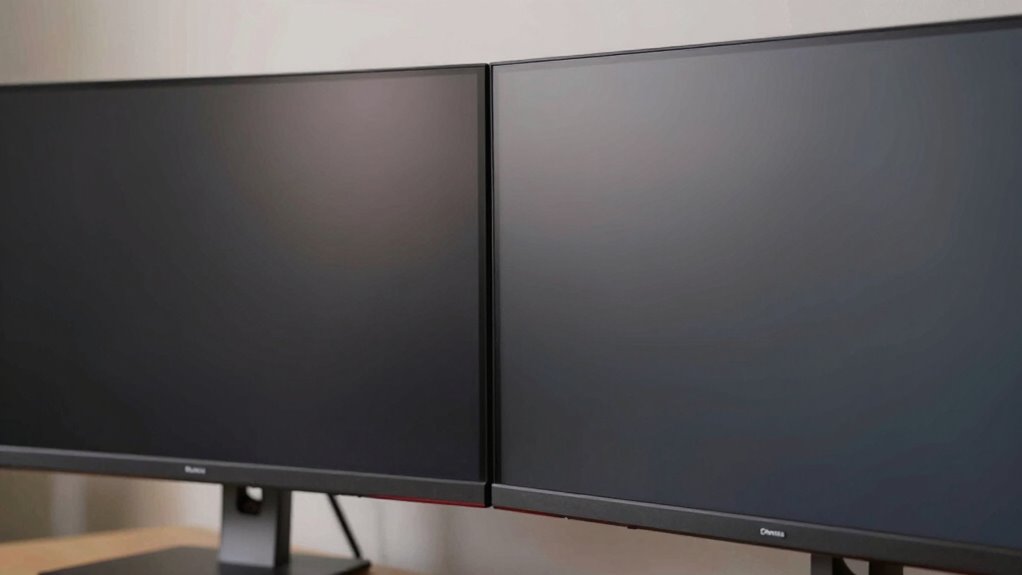
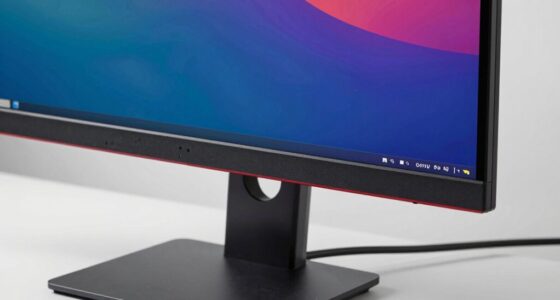
Have you ever wondered whether a curved or flat screen can boost your productivity? It’s a question many professionals ask when setting up their workspace, and the answer can considerably influence your comfort and efficiency. When choosing between the two, considering ergonomic comfort is essential. Curved screens are designed to wrap around your field of view, which can reduce the need for frequent head and eye movements. This design minimizes strain, helping you maintain focus longer without feeling fatigued. Flat screens, on the other hand, offer a straightforward viewing experience, but they may require you to move your head more to see different parts of the screen, especially if you’re working on a large display. If comfort is a priority, especially during long work sessions, a curved screen might be the better choice, as it can promote better posture and lessen muscle tension. Additionally, visual distortion can vary between screen types, impacting your visual clarity and comfort during prolonged use. visual distortion is another important factor to think about. Some users notice that certain curved screens can introduce slight distortions at the edges, particularly with wider displays or those with aggressive curves. This visual distortion can hinder productivity if it causes eye strain or makes it harder to see content accurately. Flat screens generally provide a more consistent image across the entire surface, which can be preferable for tasks requiring precise visuals, like graphic design or detailed data analysis. If your work involves detailed visual work, a flat screen might guarantee fewer distortions, leading to less eye fatigue and sharper image clarity. Moreover, the screen curvature can also influence how well you adapt to the display, especially if you are sensitive to visual changes or have specific ergonomic needs. The overall workspace setup and your personal preferences also play a significant role in this decision. Curved screens tend to be more immersive, making them ideal for multitasking or immersive activities like gaming or video editing. They encourage you to focus on the content in front of you, potentially improving concentration. Flat screens are versatile and easier to position in different environments, especially if you share your workspace with others or need multiple monitors. They’re also generally easier to mount and align with other screens, which can streamline your workflow. Additionally, monitor size and resolution can further impact how well each type of screen suits your work, especially for detailed visual tasks. Understanding your visual preferences and how your eyes respond to different display types can make a significant difference in your overall comfort. Ultimately, your choice should align with your specific needs and preferences. If ergonomic comfort and reducing visual distortion are your top concerns, a curved screen might serve you well. But if precise visuals and a straightforward setup matter more, a flat screen could be the better investment. Both options can enhance productivity, so understanding how each impacts your work style will guide you toward the right decision.

Deco Gear 49 Inch Curved Ultrawide Monitor, 5120×1440 Dual QHD 32:9 1500R VA Display, HDR400, 120Hz, Adaptive Sync, 1ms MPRT, USB-C 65W PD, KVM, PIP/PBP, Gaming & Workstation Setup, for PC & Laptop
- Screen Size and Resolution: 49-inch 5120×1440 DQHD ultrawide display
- Display Technology: Curved VA panel with HDR400 support
- Color Coverage: 100% sRGB, 85% NTSC, deep contrast
As an affiliate, we earn on qualifying purchases.
As an affiliate, we earn on qualifying purchases.
Frequently Asked Questions
Which Screen Type Is Better for Gaming?
For gaming, a curved screen often offers a more immersive experience, drawing you into the action and enhancing visual clarity. It also provides ergonomic benefits, reducing eye strain during long sessions by minimizing distortion at the edges. Flat screens can be better if you prefer precise image detail. Ultimately, choose based on your gaming style—curved screens excel in immersive gameplay, while flat screens are great for sharp visuals.
Do Curved Screens Cause Eye Strain Over Time?
Curved screens don’t necessarily cause eye strain over time, especially if you prioritize ergonomic benefits. While some worry about visual distortion, modern curved displays are designed to minimize this issue, offering a more natural viewing experience. If you adjust the screen’s brightness and position correctly, you can reduce eye fatigue. Ultimately, proper setup and taking breaks are key to avoiding strain, regardless of whether your screen is curved or flat.
Are Curved Screens More Expensive Than Flat Screens?
Curved screens are generally more expensive than flat screens due to their unique design aesthetics and manufacturing complexity. You’ll notice the cost differences mainly in higher-end models with advanced features. While curved screens can offer immersive visuals, they often come at a premium. If budget is a concern, flat screens typically provide similar functionality at a lower price, making them a more economical choice for productivity needs.
How Do Curved Screens Impact Color Accuracy?
Curved screens can impact color accuracy, especially with color distortion at certain angles. You might notice that colors shift or become less vibrant if you’re not directly in front of the display. However, their wide viewing angles often help reduce color inconsistencies for multiple viewers. Overall, while curved screens can offer immersive visuals, they may require calibration for precise color work, and their effect on color accuracy depends on the specific model.
Can Curved Screens Improve Multi-Monitor Setups?
Yes, curved screens can improve your multi-monitor setup by providing better ergonomic benefits and a more seamless viewing experience. Their curvature reduces eye strain and distortion, making it easier to focus across multiple displays. Additionally, the aesthetic appeal of curved screens creates a more immersive workspace, enhancing overall productivity. By wrapping around your field of view, they help you work more comfortably and efficiently, especially during long hours.
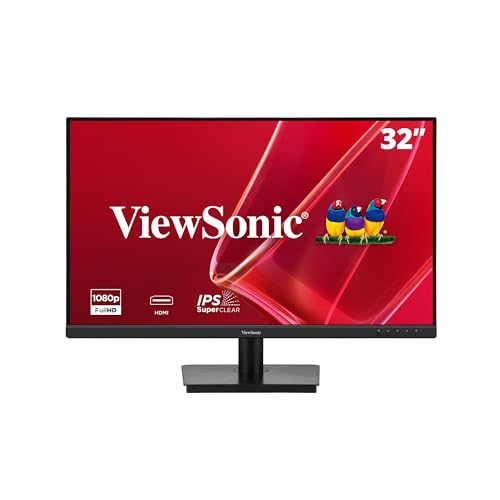
ViewSonic VA3209M 32 Inch 1080p IPS Computer Monitor, Full HD, HDMI VGA, PC
- Screen Size: 32 Inch Full HD IPS Display
- Refresh Rate: 75Hz for smooth visuals
- Design: Frameless with thin bezels
As an affiliate, we earn on qualifying purchases.
As an affiliate, we earn on qualifying purchases.
Conclusion
Whether you choose curved or flat screens, your goal is greater growth and greater gains. Consider comfort, clarity, and your workspace when weighing your options. Curved screens can captivate with their immersive appeal, while flat screens favor flexibility and familiarity. Ultimately, the right choice depends on your specific needs and preferences. By balancing benefits with your workspace’s wants, you’ll find the perfect display to boost your productivity and power up your performance.

Samsung 34' Odyssey G5 Ultra-Wide Gaming Monitor with 1000R Curved Screen
- Optimal 1000R Curved Screen: Immersive gaming experience with true curve
- WQHD Ultrawide Resolution: Seamless dual-monitor view with eye comfort
- 165Hz Refresh Rate: Smooth, responsive gameplay with no motion blur
As an affiliate, we earn on qualifying purchases.
As an affiliate, we earn on qualifying purchases.

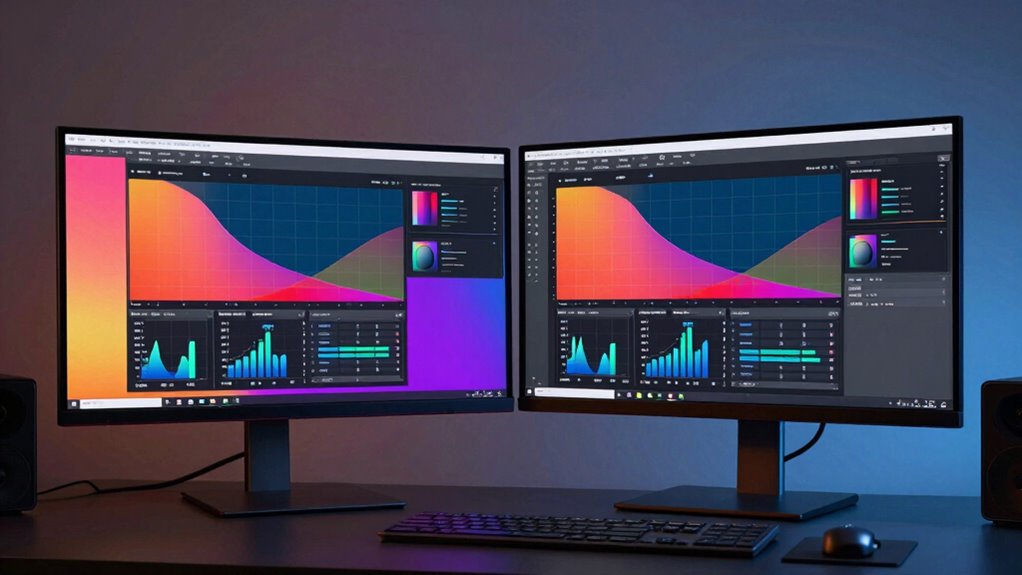
Kado 2-Pack Dual 22" Flat Screen 1920×1080 75Hz FHD Computer Monitor
- Dual Monitor Setup: Seamless dual display for immersive use
- Fast Response Time: Reduces ghosting and blurring during gameplay
- Vibrant True-to-Life Colors: 99% sRGB color gamut for accurate visuals
As an affiliate, we earn on qualifying purchases.
As an affiliate, we earn on qualifying purchases.