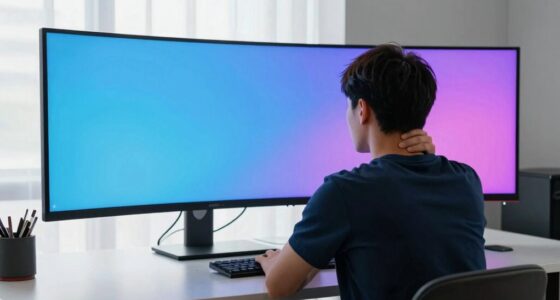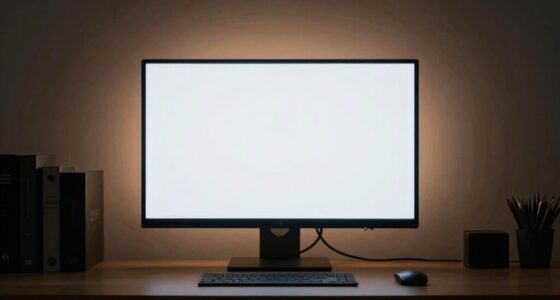
Nits measure how much light a display emits, with higher nits meaning a brighter screen. But how bright something feels at home isn’t just about the number—it’s influenced by your environment, like room lighting, wall colors, and surface reflections. These factors can make a screen seem dimmer or brighter than its actual nits suggest. To truly understand why brightness feels different, exploring these environmental influences will help you optimize your space.

Get comfort and recovery gear delivered free with Prime
- Fast, free delivery on millions of items
- Prime Video, Amazon Music and more included
- Member-only deals all year
Key Takeaways
- ‘Nits’ measure display luminance as candela per square meter, indicating how bright a screen emits light.
- Higher nits mean a brighter screen, improving visibility, especially outdoors, but don’t guarantee better image quality.
- Perceived brightness at home varies due to environmental factors like room lighting, wall color, and surface reflectivity.
- Ambient lighting and reflective surfaces influence how bright a screen appears, even if it has high nits.
- Adjusting room lighting and wall colors can make screens seem brighter or dimmer, affecting your perception of display brightness.
light meter for display brightness
As an affiliate, we earn on qualifying purchases.
As an affiliate, we earn on qualifying purchases.
What Are Nits and How Are They Measured?

Have you ever wondered how the brightness of a screen is actually measured? It’s done using a unit called “nits,” which quantifies how much light a display emits. One nit equals one candela per square meter, a measurement of luminous intensity over a specific area. Manufacturers determine a screen’s brightness by measuring the total light output across the entire display surface. Higher nits mean a brighter screen, which is especially useful outdoors or in well-lit rooms. To measure nits, technicians use specialized instruments called light meters, which accurately gauge the luminance emitted. Understanding nits helps you compare screens and choose the right display for your needs, but remember, higher nits don’t always mean better viewing experience—it depends on your environment and preferences.
adjustable room lighting for screens
As an affiliate, we earn on qualifying purchases.
As an affiliate, we earn on qualifying purchases.
The Relationship Between Nits and Screen Brightness

The number of nits a screen has directly influences how bright it appears to you, especially in different lighting conditions. Higher nits mean a brighter display, making images more vivid and easier to see outdoors or in well-lit rooms. For example, a screen with 300 nits may look great indoors but struggle outside, where sunlight competes with the display’s brightness. Conversely, a device with 1,000 nits or more provides a noticeable boost in visibility and contrast, even in bright environments. However, more nits don’t always mean better image quality; it’s about matching your needs and environment. A higher nit count can enhance your viewing experience, but it also consumes more battery power. The key is finding a balance that suits your daily use.
As an affiliate, we earn on qualifying purchases.
How Brightness Is Perceived Differently in Your Environment
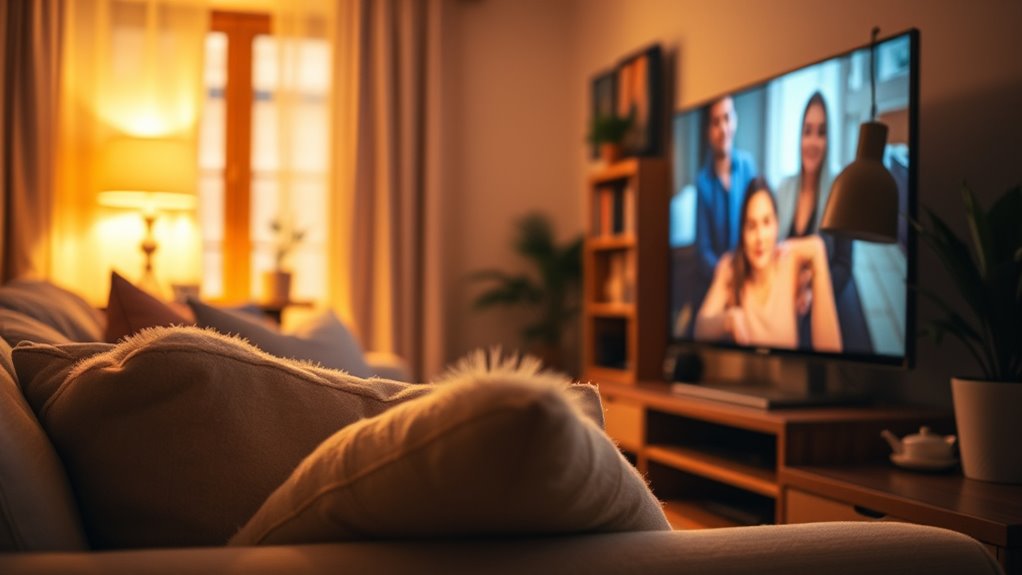
Your room’s lighting conditions and wall colors can make a big difference in how bright your screen appears. Bright walls reflect more light, making screens seem dimmer, while darker walls do the opposite. Understanding these factors helps you adjust your environment for the best viewing experience.
Room Lighting Conditions
Lighting conditions in a room can dramatically change how bright a display appears, even if the same brightness setting is used. If your room is dimly lit, your screen may seem overly bright or washed out, making details hard to see. Conversely, in a brightly lit space, your screen might look dim or dull, requiring a higher brightness setting to compensate. The ambient light influences how your eyes perceive the display’s luminance, affecting comfort and clarity. Overly bright rooms can cause glare or eye strain, while too little light might make it difficult to read. To optimize viewing, consider adjusting your display’s brightness based on your room’s lighting, and avoid direct reflections or harsh light sources that can distort perception.
Wall Color Impact
Wall colors can considerably influence how bright your display appears, as certain shades reflect more light and others absorb it. Lighter colors like whites and pastels bounce light back, making screens seem brighter and more vibrant. Darker shades such as deep blues or browns absorb light, reducing perceived brightness and contrast. Your environment’s wall color can also affect eye fatigue and comfort during long viewing sessions. To optimize your viewing experience, consider these tips:
- Choose neutral or light-colored walls to enhance brightness
- Avoid dark, matte finishes that absorb light
- Use reflective or semi-gloss paints to increase light bounce
- Incorporate light-colored furniture and decor
- Adjust your room’s lighting to complement wall tones
Being aware of your wall color helps you create a space that enhances screen visibility and reduces eye strain.
As an affiliate, we earn on qualifying purchases.
Factors That Influence How Bright Something Feels at Home
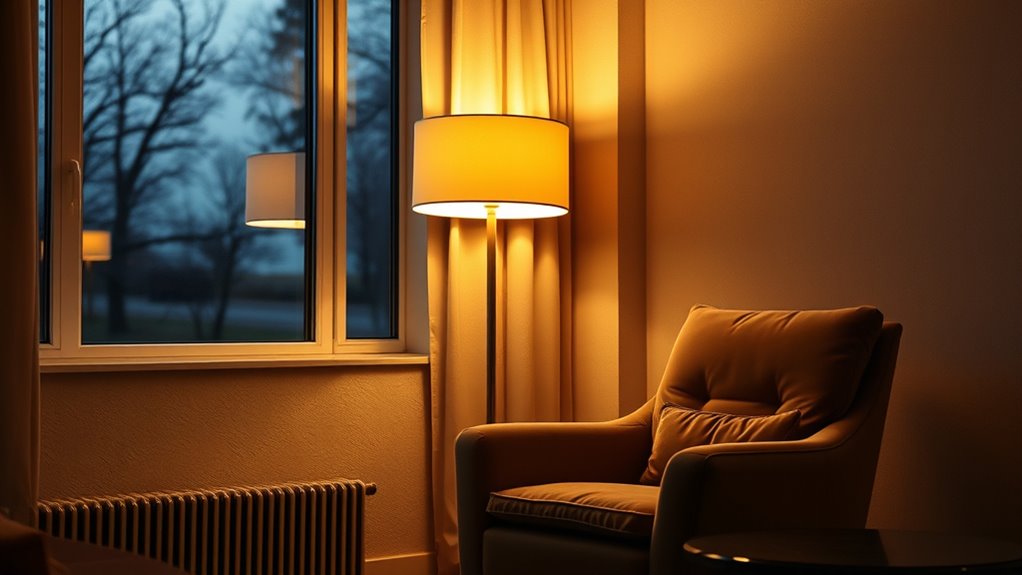
The way your space feels regarding brightness depends on several factors you can control. The color of your walls, the reflectivity of your surfaces, and the types of light sources you use all play a role. Understanding these elements helps you create a brighter, more comfortable environment at home.
Room Color Impact
Colors in your room can markedly influence how bright it feels, often more than the amount of light coming in. Light colors reflect more light, making spaces feel open and airy, while darker shades absorb light, creating a cozy but subdued atmosphere. Your choice of color can enhance or diminish brightness based on its hue, saturation, and tone.
Consider these factors:
- Light pastels amplify brightness and create a fresh look
- Warm tones like yellows or soft oranges add warmth and vibrancy
- Cool colors such as blues or greens promote calm, but may feel darker
- Highly saturated colors can make a room feel more energetic but less bright
- Neutral shades like beige or off-white serve as versatile, reflective backgrounds
Surface Reflectivity Variations
Surface reflectivity plays a crucial role in how bright a space feels because different materials bounce light differently. Smooth surfaces like glass, polished metal, or glossy paint reflect more light, making a room feel brighter. Conversely, matte finishes or textured materials absorb more light, creating a softer, dimmer atmosphere. The reflectivity of furniture, flooring, and decor also impacts overall brightness. Light-colored surfaces tend to reflect more light than darker ones, amplifying the sense of brightness. Even small changes, like switching from a matte to a semi-gloss paint or choosing reflective tiles, can markedly influence how luminous your space feels. Being aware of these variations helps you optimize your environment for the desired brightness, whether you want a lively or cozy ambiance.
Light Source Types
Different types of light sources considerably influence how bright a space feels because they emit varying qualities and intensities of light. Incandescent bulbs produce warm, soft light, making rooms feel cozy. Fluorescent lights offer brighter, cooler illumination, often feeling more clinical. LED lights are versatile, with adjustable color temperatures and brightness levels. Halogen bulbs provide intense, crisp light, ideal for task areas. Daylight from windows varies with weather and time, creating natural shifts in brightness.
- Incandescent bulbs for warmth
- Fluorescent lights for brightness
- LEDs for versatility
- Halogen bulbs for intensity
- Natural daylight for dynamic ambiance
Comparing Brightness Levels: Devices Versus Real-Life Settings
When you compare the brightness of a device to real-life settings, it’s important to recognize that screens are often calibrated differently from natural or ambient light conditions. Devices display brightness in nits, a measure of luminance, but these numbers don’t always match what you experience outside. For example, a TV might emit 600 nits, but outdoor sunlight can reach over 100,000 nits. Indoor lighting, like lamps or daylight through a window, varies widely and influences how bright screens seem. When you view screens in different environments, your perception of brightness shifts because your eyes adapt to ambient light levels. So, a device that looks bright in a dim room might seem dull outdoors. Comparing nits directly without considering context can lead to misjudging how bright a screen truly appears.
Why Your Eyes Perceive Brightness Uniquely
Your eyes perceive brightness uniquely because they constantly adapt to the surrounding light conditions, influencing how you see screens and environments. This adaptation occurs through processes like pupil dilation and cone cell sensitivity, which adjust based on ambient lighting. As a result, the same brightness level can look different depending on your environment. Factors affecting perception include:
- Your current light levels and contrast
- The brightness of nearby objects
- The duration you’ve been exposed to specific lighting
- Your eye’s natural sensitivity variations
- The presence of glare or reflections
These elements make brightness a subjective experience, not an absolute measurement. Your eyes are always working to optimize visibility, which explains why a screen that looks bright in one setting may seem dim in another.
Adjusting Your Space to Optimize Brightness Experience

Since your perception of brightness varies with environmental conditions, modifying your space can substantially enhance your viewing experience. Start by controlling ambient light—use blackout curtains or move lights away from the screen to reduce glare. Brightness levels feel different depending on nearby reflective surfaces, so consider adding matte paints or soft furnishings to minimize reflections. Position your screen at eye level and ensure it’s not facing windows or bright light sources. Adjust room lighting to complement your display; soft, indirect lighting prevents eye strain and enhances perceived contrast. Keep the viewing area free of clutter that can distract or reflect light. Small changes, like rearranging furniture or controlling natural light, can make a big difference in how bright your screen appears and how comfortable your viewing environment feels.
Tips for Achieving the Right Brightness in Your Home
Achieving the right brightness in your home starts with understanding how lighting affects your viewing experience. To do this, consider adjusting your light sources to match your activities and the ambient light. Use dimmable fixtures to control brightness easily, and position lighting to minimize glare on screens. Incorporate multiple light layers—ambient, task, and accent—to create a balanced environment. Experiment with different bulb temperatures; cooler tones boost brightness, while warmer tones create a cozy feel. Finally, close curtains or blinds during daytime to reduce external light interference. Here’s how to optimize your setup:
- Use dimmable bulbs for flexible control
- Position lights to avoid screen glare
- Layer lighting for depth and balance
- Choose appropriate color temperatures
- Adjust window coverings based on natural light
Frequently Asked Questions
How Does Screen Technology Affect Perceived Brightness at Home?
Screen technology directly impacts how bright a display appears at home. For example, OLED screens produce deeper blacks and vibrant colors, making images seem brighter and more vivid even at lower nits. Conversely, LCDs with higher nits can seem less impactful if the technology isn’t optimized for contrast. Your perception of brightness depends on the screen’s technology, contrast ratio, and ambient lighting, so choose wisely for the best viewing experience.
Can Ambient Lighting Impact How Bright a Device Appears?
Yes, ambient lighting can markedly impact how bright a device appears. When your room has strong light sources, the screen seems less bright because of the increased contrast. Conversely, in dimmer settings, the same brightness level feels more intense. You should consider adjusting your screen brightness or ambient lighting to optimize viewing comfort and clarity, especially when you’re watching movies or working on detailed tasks.
Do Color Settings Influence Perceived Screen Brightness?
Absolutely, your color settings do influence how bright a screen feels. When you crank up the saturation or switch to warmer tones, it often tricks your eyes into perceiving more brightness, even if the actual nit level stays the same. So, if your device seems dim or dazzling, tweaking those color options can make a surprisingly big difference—who knew your eyes could be so easily fooled?
Why Do Some People Perceive Brightness Differently Than Others?
You perceive brightness differently because your eyes and brain interpret light uniquely. Factors like your age, eye health, and ambient lighting influence how bright a screen feels. Your personal preferences and previous experiences also play a role, making some people feel a display is brighter or dimmer even at the same nits level. So, your perception isn’t just about the actual brightness but how your visual system processes it.
How Does Room Size Affect Brightness Perception?
Imagine a small room bathed in bright light and a spacious one with the same illumination. In a small space, the brightness feels intense and overwhelming because your eyes focus on every corner. In a larger room, the same light seems softer and more diffuse, spreading out. Room size directly influences perception—smaller spaces amplify brightness, while larger ones create a more relaxed, less glaring environment.
Conclusion
Understanding what nits really mean helps you grasp how your screens compare to real-world brightness. Did you know that a typical indoor living room has around 50-200 nits, yet your eyes might perceive it as brighter or dimmer depending on the surroundings? By adjusting your space and device settings, you can create a comfortable viewing experience tailored to your environment. Taking control of brightness levels makes your screens feel just right, every time.
Fall Picks
fall essentials
As an affiliate, we earn on qualifying purchases.