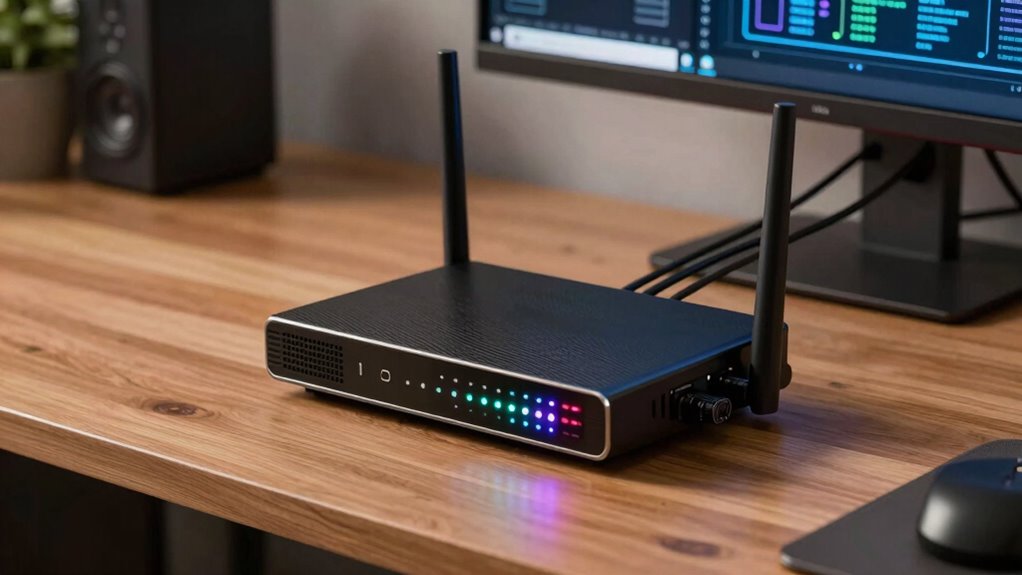
A VPN router can greatly improve your home office privacy by encrypting all your devices’ internet traffic, protecting sensitive work info from hackers, ISPs, and third parties. While setting it up takes some technical effort and careful protocol choices, the security benefits often outweigh the complexity. Proper configuration guarantees good performance and future-proofing as you add more devices. If you want a clearer picture of what’s involved, there’s more to explore below.
Key Takeaways
- VPN routers centralize encryption, enhancing privacy and security for all home office devices simultaneously.
- Proper setup and protocol configuration are essential to optimize security, performance, and device compatibility.
- They protect sensitive work data from ISPs, hackers, and third parties more effectively than individual VPN apps.
- Compatibility issues may arise with older devices or smart home gadgets, requiring careful device verification.
- Despite setup complexity, VPN routers offer scalable, streamlined privacy benefits, making them worthwhile for privacy-conscious users.
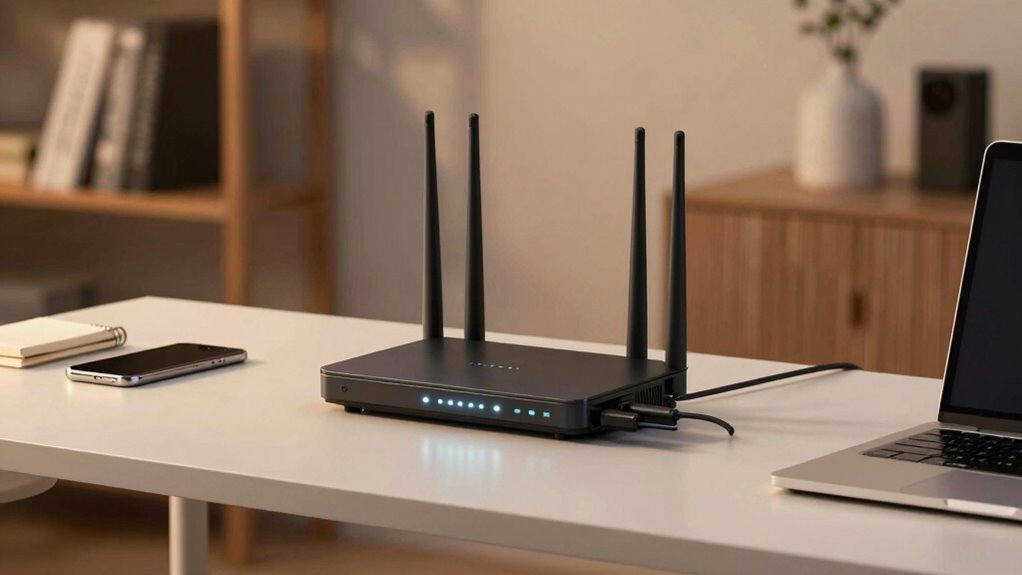
Are you concerned about your online privacy while working from home? If so, installing a VPN router might seem like a smart move, but you’re probably wondering if the added complexity is worth it. VPN routers act as a centralized hub, encrypting all internet traffic from every device connected to your home network. This setup can dramatically boost your privacy, especially when handling sensitive work information. However, understanding how they work requires knowing about encryption protocols and device compatibility. Encryption protocols are the backbone of secure VPN connections—they determine how your data is encrypted and decrypted. Modern VPN routers support a variety of protocols like OpenVPN, IKEv2, or WireGuard, each offering different balances of speed and security. Choosing the right protocol ensures your data remains private while maintaining a smooth online experience. Keep in mind that not all devices are compatible with all VPN protocols. Some older devices, smart home gadgets, or certain operating systems may struggle to connect seamlessly, which can complicate your setup. To avoid frustration, you need to verify device compatibility before investing in a VPN router. Compatibility issues often stem from hardware limitations or software restrictions, so doing your homework upfront saves you time and effort later. Additionally, understanding encryption protocols is crucial to making an informed decision about security and performance. Properly configuring your VPN router and selecting the appropriate encryption protocols can also help optimize network performance and stability. Moreover, taking into account future scalability can ensure your network remains secure as your number of devices grows. Setting up a VPN router isn’t as straightforward as plugging in a Wi-Fi extender. It involves configuring the device and selecting the appropriate encryption protocols to match your security needs. For many users, the process can seem intimidating, especially if you’re not tech-savvy. But the investment in time can pay off by giving you an extra layer of privacy that shields your online activities from prying eyes, whether it’s your internet service provider, hackers, or even malicious third parties. Moreover, device compatibility is essential to ensure all your gadgets work smoothly with the VPN setup. Properly understanding the security features of various VPN protocols can help you optimize your privacy and performance. Plus, with a VPN router, you’re safeguarding all your devices at once—laptops, smartphones, smart TVs—without having to install individual VPN apps. That’s a significant advantage for a streamlined, all-encompassing privacy setup. Still, you should weigh whether the added security justifies the initial effort and potential troubleshooting. If you value privacy highly and want a hassle-free way to protect every device, a VPN router could be a worthwhile addition. Just remember, it’s essential to pick a model supporting the encryption protocols suited for your needs and to double-check device compatibility to avoid surprises down the line.

TP-Link ER605 V2, Wired Gigabit VPN Router
- Five Gigabit Ports: Includes 1 WAN, 2 WAN/LAN, 2 LAN ports
- USB WAN Port: Supports 4G/3G modem for backup
- Security Features: Firewall, DoS defense, filtering, speed test
As an affiliate, we earn on qualifying purchases.
As an affiliate, we earn on qualifying purchases.
Frequently Asked Questions
Can VPN Routers Improve Online Streaming Speeds?
Yes, a VPN router can improve your online streaming speeds by enhancing streaming quality and bandwidth optimization. It encrypts your connection, reducing lag and buffering issues, especially if multiple devices are streaming simultaneously. By prioritizing streaming traffic, a VPN router helps guarantee smoother playback and consistent quality. While setup may be complex, the benefits for streaming performance and privacy often outweigh the effort involved.
Are VPN Routers Compatible With All Internet Service Providers?
VPN routers are generally compatible with most ISPs, but you should check your ISP’s compatibility and requirements beforehand. You might need to adjust the router configuration to make sure it works correctly with your internet connection. Some ISPs, especially fiber or cable providers, may have specific settings or restrictions. So, always verify ISP compatibility and follow proper router configuration steps to set up your VPN router effectively.
How Often Should VPN Router Firmware Be Updated?
You should update your VPN router’s firmware at least once a month to guarantee maximum security. Did you know that outdated firmware can expose your network to vulnerabilities? Regular updates improve firmware security by patching known bugs and strengthening defenses. Staying consistent with update frequency helps prevent hacking attempts, safeguarding your home office data. Keep an eye on manufacturer notifications to stay ahead of potential threats and maintain your privacy.
Do VPN Routers Require Technical Expertise to Set Up?
You don’t necessarily need extensive technical skills to set up a VPN router, but some configuration complexity might require basic technical knowledge. Many routers offer user-friendly interfaces and step-by-step guides, making the process manageable for most users. However, if you’re unfamiliar with network settings and VPN configurations, it could be helpful to seek assistance or choose a router with simplified setup options.
Can VPN Routers Block Malware and Phishing Sites?
VPN routers primarily focus on encrypting your internet traffic and providing privacy, but many do offer malware protection and phishing prevention features. These added security layers help block malicious sites and scams before they reach your devices. While not all VPN routers include these features, choosing one with integrated malware protection can enhance your home office security, making it easier to prevent threats without needing additional software.
TP-Link ER605 V2, Wired Gigabit VPN Router
- Five Gigabit Ports: Includes 1 WAN, 2 WAN/LAN, 2 LAN ports
- USB WAN Port: Supports 4G/3G modem for backup
- Security Features: Firewall, DoS defense, filtering, speed test
As an affiliate, we earn on qualifying purchases.
As an affiliate, we earn on qualifying purchases.
Conclusion
So, if you dare to release the secret fortress of your home network with a VPN router, prepare for a privacy revolution so powerful, it’s like turning your humble abode into Fort Knox! Sure, it might seem complex at first, but once you conquer this tech beast, you’ll be untouchable—an invisible ninja in the digital world. Embrace the challenge, and watch your online privacy skyrocket to superhero status. Your home office will never be the same!

GL.iNet GL-SFT1200 Opal Travel Router, AC1200 Dual-Band Wi-Fi
- Dual-band Wireless Speed: Up to 300 Mbps (2.4GHz) + 867 Mbps (5GHz)
- Easy Setup: Follow user manual and video guides
- Portable and Lightweight: 145g compact design for travel
As an affiliate, we earn on qualifying purchases.
As an affiliate, we earn on qualifying purchases.

TP-Link Tri-Band BE9700 WiFi 7 Router (Archer BE600) – 10G Port, 2.5G Port, 3× 2.5G LAN, 320MHz Channel, Covers up to 2,600 sq. ft., 120 Devices, VPN, HomeShield Security
- Next-Gen WiFi 7: Optimized for latest WiFi 7 devices
- Tri-Band WiFi Speeds: Up to 5,765 Mbps on 6 GHz band
- Wide Coverage Area: Covers up to 2,600 sq. ft.
As an affiliate, we earn on qualifying purchases.
As an affiliate, we earn on qualifying purchases.