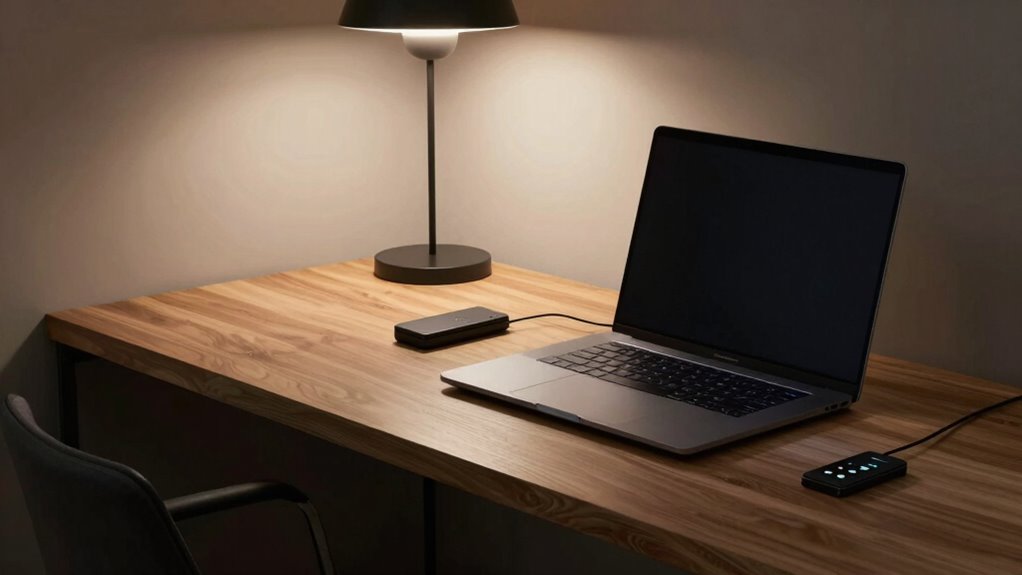

Many people overlook crucial physical security measures in their home offices, like locking doors, installing security cameras, or using lockable cabinets for sensitive items. These steps protect both your equipment and data from intruders. You might focus on cybersecurity but forget that physical access control creates an essential layer of defense. Strengthening this aspect considerably reduces risks of unauthorized entry. Keep exploring to discover more simple strategies that can tighten your home office security even further.

Get comfort and recovery gear delivered free with Prime
- Fast, free delivery on millions of items
- Prime Video, Amazon Music and more included
- Member-only deals all year
Key Takeaways
- Many overlook implementing multi-factor authentication for their home office accounts.
- Regularly updating antivirus and security software is often neglected.
- Physical security measures like locking doors or securing sensitive documents are frequently ignored.
- Using unsecured Wi-Fi networks without VPNs compromises home office security.
- People often fail to create a comprehensive, layered security strategy combining digital and physical protections.
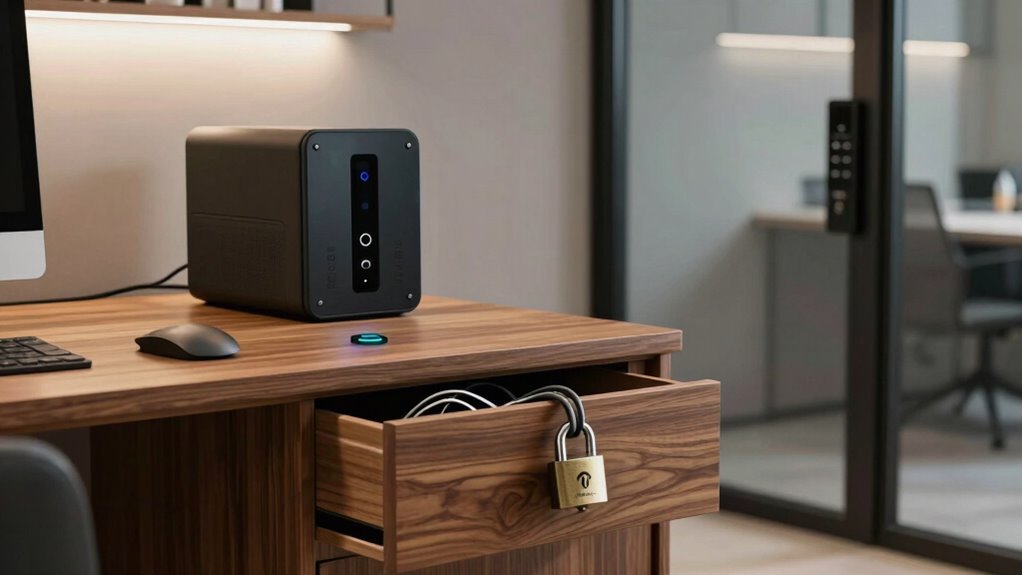
In today’s increasingly remote work environment, securing your home office has become more essential than ever. While you might have invested in a good Wi-Fi password or a VPN, many overlook the importance of establishing proper cybersecurity protocols and controlling physical access. These layers are necessary to protect sensitive data and prevent unauthorized intrusions. The truth is, most people neglect these quieter, less obvious security measures, leaving gaps that hackers or even opportunistic neighbors could exploit.
First, consider your cybersecurity protocols. It’s not enough to rely solely on basic passwords or outdated security software. You need to implement multi-factor authentication on your accounts, which adds an extra step to verify your identity. Regularly updating your antivirus and anti-malware programs is also essential because cybercriminals are always developing new ways to breach defenses. Encrypt your sensitive files and avoid connecting to unsecured or public Wi-Fi networks, especially when dealing with confidential work documents. Using a virtual private network (VPN) creates a secure tunnel for your internet traffic, making it much harder for outsiders to intercept your data. Additionally, be cautious about phishing attempts—never click on suspicious links or provide personal information without verifying the source. These small habits greatly strengthen your cybersecurity defenses and make it much more difficult for malicious actors to access your home office network.
Furthermore, physical access control plays a crucial role in safeguarding your workspace from intrusions. This is often overlooked but equally important. If your workspace isn’t physically secure, anyone could walk in and see confidential documents or steal your equipment. Lock your doors when you’re not around, and consider installing a security camera or doorbell with video capabilities. Avoid leaving sensitive papers or devices in plain sight, especially near windows or open areas. If you work with highly sensitive data, think about using a lockable cabinet or drawer for your devices and documents. Also, be mindful of who has access to your home; friends, family, or service providers might unintentionally compromise your security. Changing default passwords on your Wi-Fi router and other connected devices is a simple but effective step that prevents unauthorized physical access. Additionally, security awareness can help you recognize potential vulnerabilities and respond appropriately to threats. Developing a physical security plan tailored to your home environment can further enhance your overall security posture. Remember, physical security isn’t just about locking doors—it’s about creating a controlled environment that limits access to only trusted individuals. Incorporating physical security measures can drastically reduce the risk of unauthorized intrusion into your home office. Ensuring your physical environment aligns with cybersecurity practices can create a comprehensive security strategy that protects both digital and tangible assets.
As an affiliate, we earn on qualifying purchases.
Frequently Asked Questions
How Often Should I Update My Home Office Security Settings?
You should update your home office security settings at least every three to six months. Regular updates help you maintain strong password management and guarantee your hardware encryption stays effective against new threats. When you update, change passwords, review device security, and enable the latest encryption features. Staying proactive keeps your data safe and prevents vulnerabilities from creeping in, especially as technology evolves and cyber threats become more sophisticated.
What Is the Cheapest Way to Improve Home Office Security?
You can dramatically boost your home office security without breaking the bank! Start by using strong password management tools to create unique, complex passwords for each account—it’s like giving your digital locks a superpower. Add physical barriers like security bars or door locks to your workspace. These simple, inexpensive steps make it harder for intruders to access your space, giving you peace of mind without emptying your wallet.
Can I Set up Remote Access Securely for My Home Office?
Yes, you can set up remote access securely by using Virtual Private Networks (VPNs) to encrypt your connection, making it difficult for hackers to intercept data. Additionally, enable Multi-Factor Authentication (MFA) to add an extra layer of security, requiring a second verification step. These measures protect your home office from unauthorized access, ensuring your sensitive information stays safe while you work remotely.
What Are Common Mistakes in Home Office Security Setups?
Did you know 60% of small businesses face cyber incidents due to poor security? Common mistakes in home office security setups include neglecting password hygiene and overlooking physical safeguards. You might reuse passwords or choose weak ones, making hacking easier. Additionally, ignoring physical safeguards like lockable drawers or secure device storage increases vulnerability. Always update passwords regularly and implement physical safeguards to protect sensitive information effectively.
How Do I Test if My Home Office Security Is Effective?
To test if your home office security is effective, try conducting a vulnerability assessment. Check if your encryption protocols are up-to-date by attempting to access your network from a different device. Make certain physical barriers like locks and security cameras work properly. Also, consider hiring a professional to perform penetration testing. Regularly updating your software, using strong passwords, and verifying physical security measures help keep your home office safe.
lockable filing cabinet for documents
As an affiliate, we earn on qualifying purchases.
As an affiliate, we earn on qualifying purchases.
Conclusion
Now that you’ve uncovered this hidden security layer, imagine it as a sturdy lock on your home’s door—protecting your sanctuary from unseen threats. Without it, your peace of mind is like a house with open windows during a storm. Don’t leave your safety to chance; embrace this overlooked layer and fortify your sanctuary. Because in the end, your home is more than just walls—it’s your refuge, your haven, your heart. Guard it fiercely.
door security lock for home office
As an affiliate, we earn on qualifying purchases.
As an affiliate, we earn on qualifying purchases.
Wi-Fi router with security features
As an affiliate, we earn on qualifying purchases.
As an affiliate, we earn on qualifying purchases.
Fall Picks
fall essentials
As an affiliate, we earn on qualifying purchases.