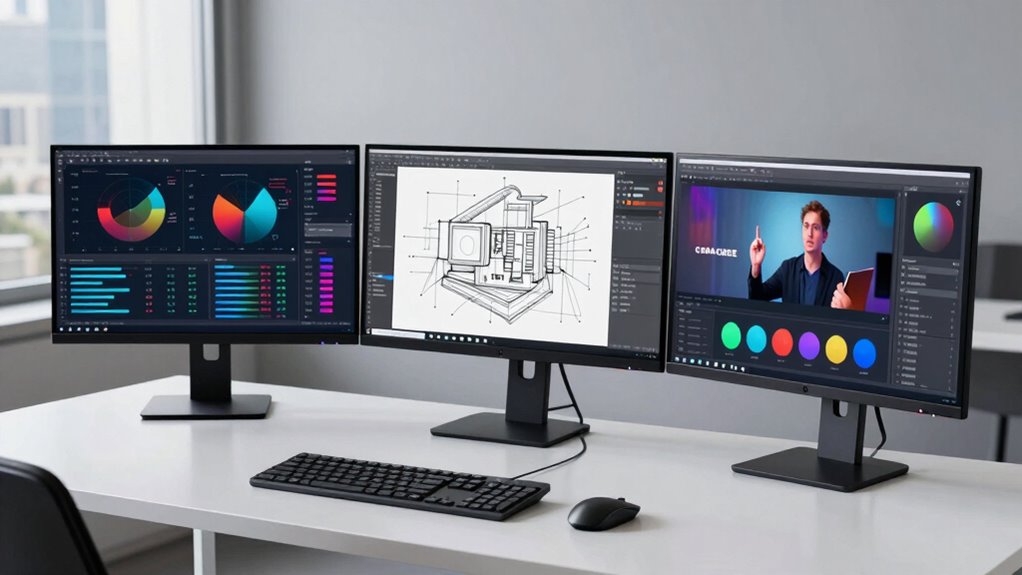
Focusing on your specific work needs rather than specs unlocks better comfort and accuracy—discover how to choose the right display for you.
Browsing Category
Monitor & Display Know-How
55 posts
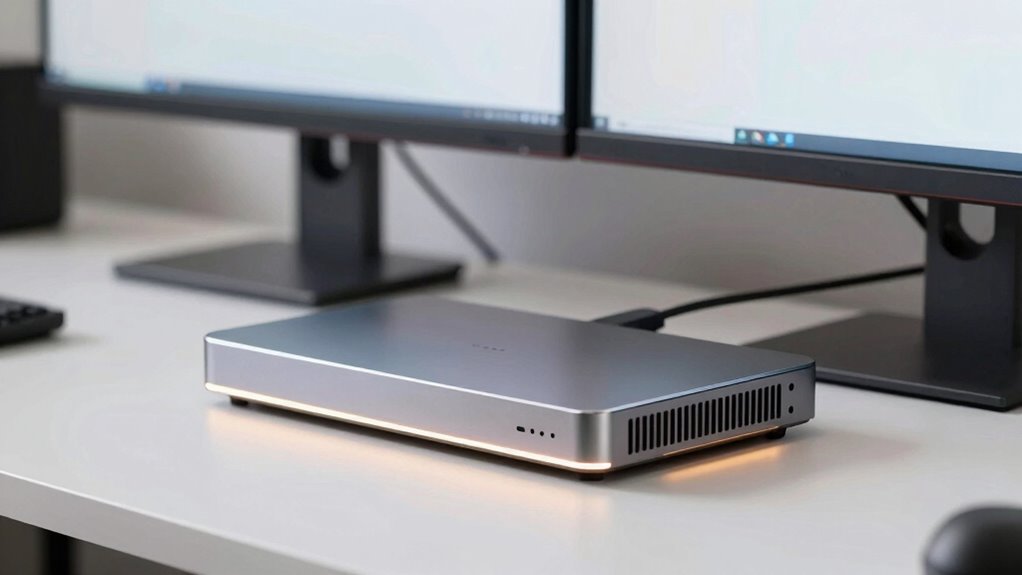
Why Some Dual-Monitor Docks Run Hot and What That Means
Discover why some dual-monitor docks run hot and what it means for performance, with tips to keep your setup cool and efficient.
The Desk Distance Mistake Behind Blurry-Looking Workdays
Inefficient monitor placement can cause blurry vision and eye strain; learn how to adjust your workspace for clearer, more comfortable workdays.
Why Some Monitors Feel Tiring Even With Great Reviews
An excellent review doesn’t guarantee comfort—discover why certain monitors may still cause fatigue and how to improve your viewing experience.
MacBook vs Windows Laptop Docking Needs: What’s Different?
Just comparing MacBook and Windows laptop docking needs reveals key differences that could impact your setup—discover what sets them apart.
The Text Clarity Rule That Matters More Than Screen Size
The most important rule for clear communication is prioritizing text clarity over…
Why Dual 4K Dock Claims Can Be More Complicated Than They Look
Likely overlooked compatibility and bandwidth issues make dual 4K dock claims more complex than they appear, and understanding these challenges is essential for optimal setup.
Stop Treating Display Specs Like Marketing Wallpaper
For better display choices, look beyond marketing buzzwords and understand what truly matters—because your perfect monitor depends on your specific needs.
Dock vs Hub vs Adapter: The Simplest Way to Think About It
Here’s a clear explanation of dock, hub, and adapter differences to help you make the best choice for your setup.
How Many Ports Does a Real Home Office Dock Need?
IIn a home office dock, understanding the essential ports ensures your workspace remains versatile and future-proof—discover what you really need to stay connected.